Programmer
38
Chapter 2 Programming with Help Function
2. Press
9
9 9
, then press .
The needle moves from the start position by each stitch.
3. When the needle point reaches 4, press .
The needle stops. If the needle passes, input a few stitches and
press
. The needle returns for a few stitches of the input.
4. Press
ESCESC
.
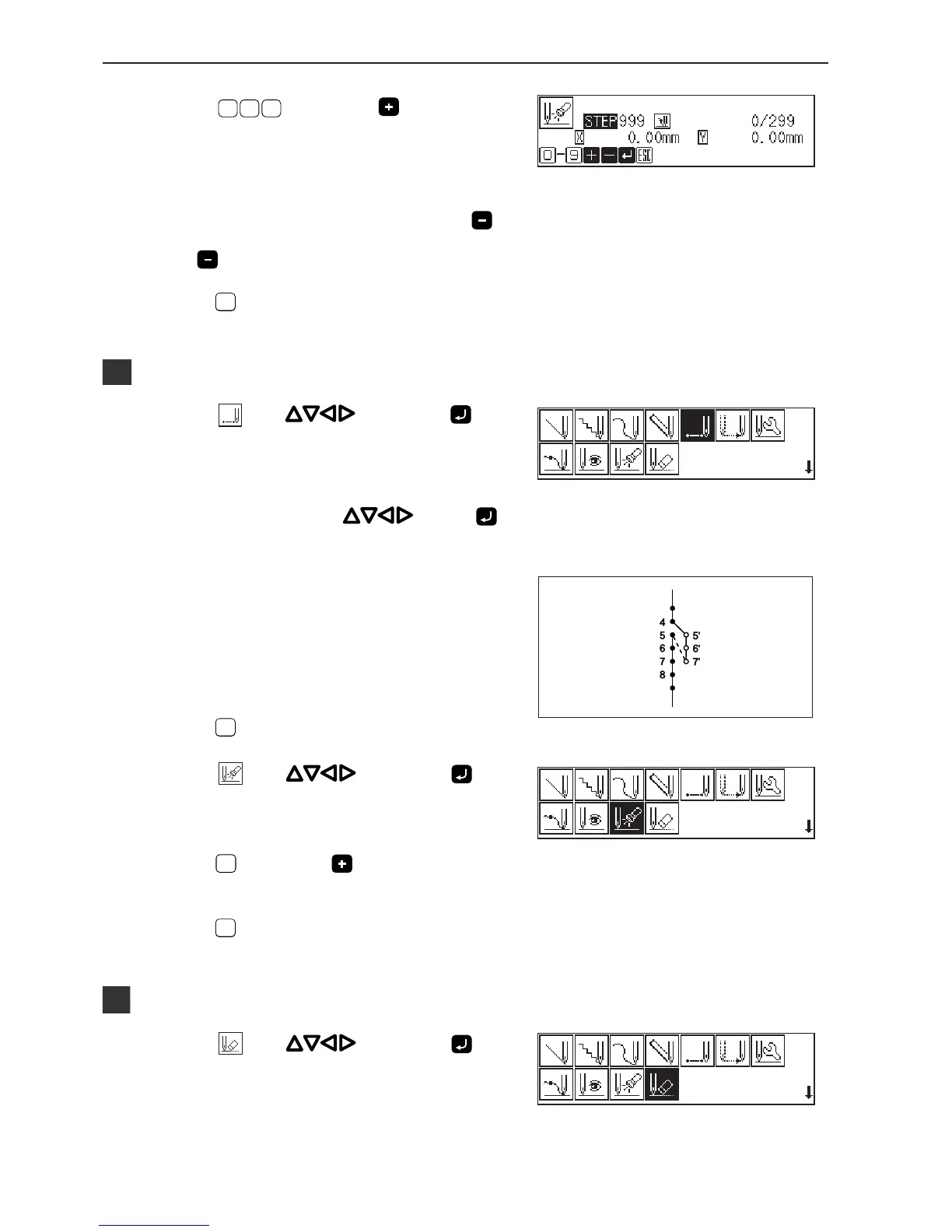
Programming a new point
1. Select with , then press .
2. Move the needle with
. Press
when the needle point is at 5'.
3. Repeat step 2 and program 6' and 7'.
4. Press
ESCESC
.
5. Select
with , then press .
6. Press
1
, then press .
The needle point moves to 5.
7. Press
ESCESC
.
Deleting unnecessary points
1. Select with , then press .



 To Next Page