3 - 3
Operation panel
Main unit
Assembly
1
Button attachment
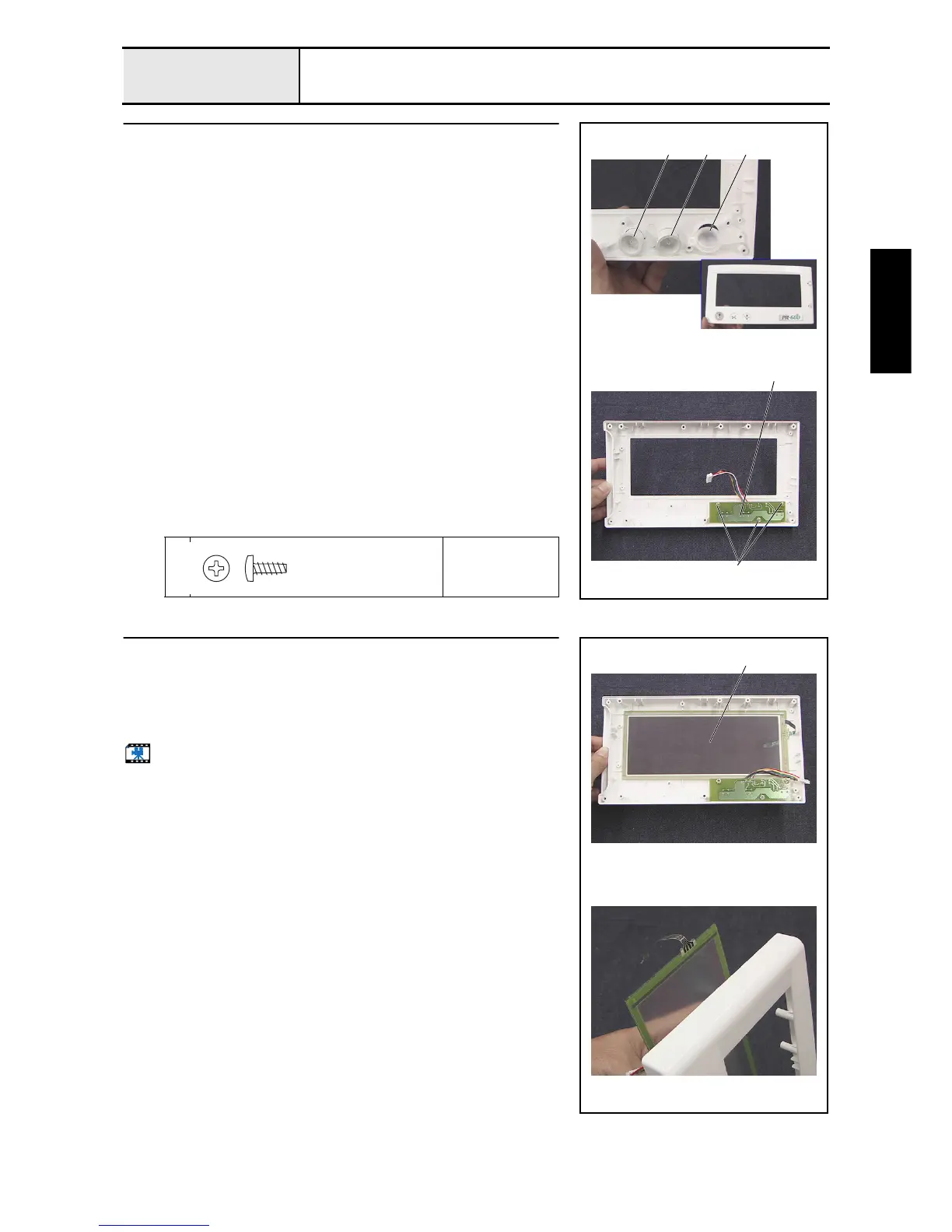
1. Attach the SS button 1, operation button 2, and thread cut button 3 to
operation panel A.
2. Attach the switch PCB assembly 4 with the 3 screws 1.
1
Torque
0.39 –
0.79 N-m
32 1
1
4
Taptite, Bind B
M3X8
Color; Gold
2
Touch panel attachment
1. Attach the touch panel (EMU601A2B040) 1 to operation panel A.
*Key point
• Attach the touch panel so that the face with the flat cable
connected is on the front side.
Start movie clip (CD-ROM version only)
1















 To Next Page