4 - 33
Inspection and
Adjustment
Adjustment Hoop sensor adjustment
1. Attach the hoop stay assembly to the feed unit.
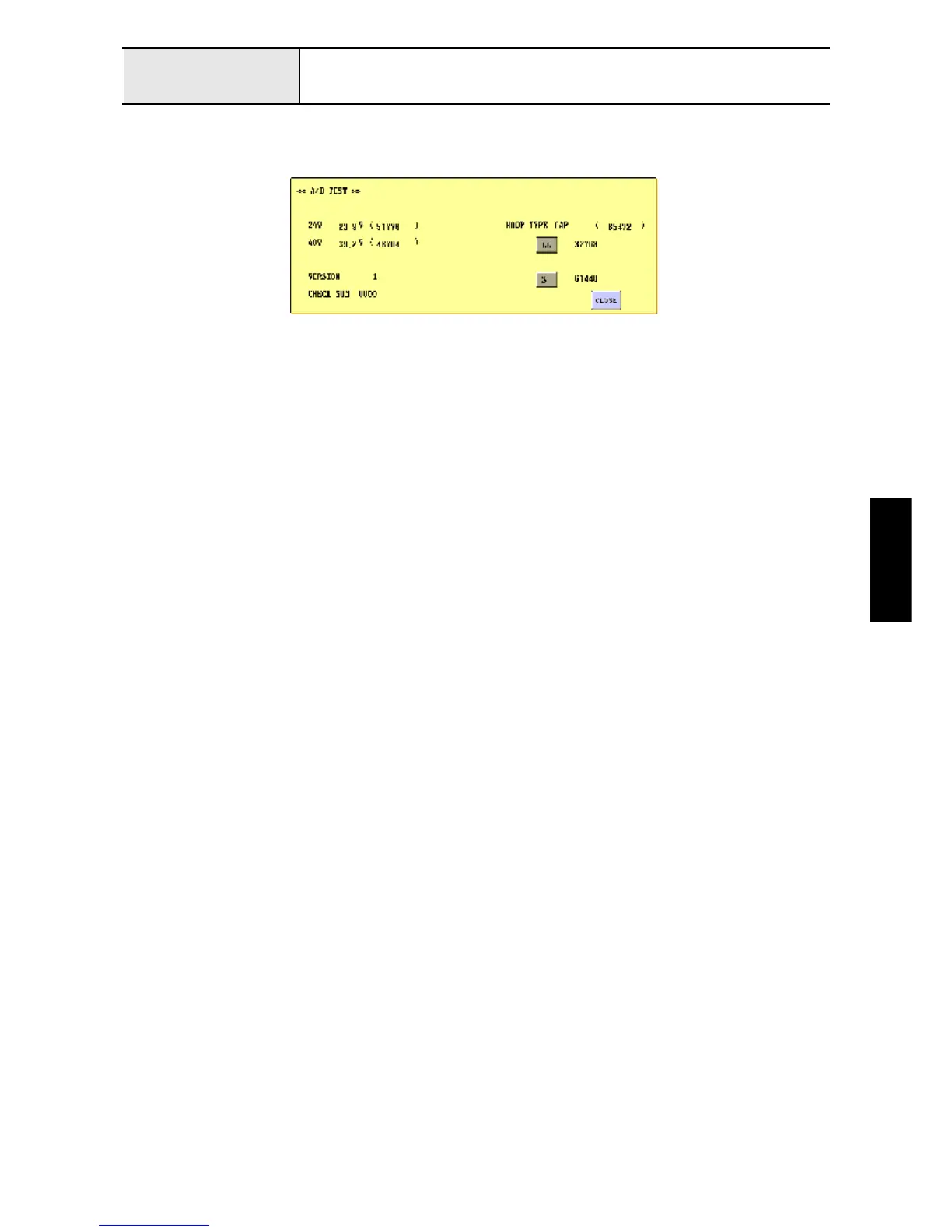
2. Enter the test mode, and press [MAIN BOARD TEST MODE] and then [A/D TEST].
3. After the hoop stay assembly's LL-hoop has been attached, press [LL] to save the A/D value.
4. Replace the LL-hoop with the S-hoop, and then press [S] to save the A/D value.
5. After adjustment, move the tubular round arm L, and check that the hoop size matches the display on the test
mode screen.















 To Next Page