2 - 51
Upper shaft unit
Main unit
Disassembly
14
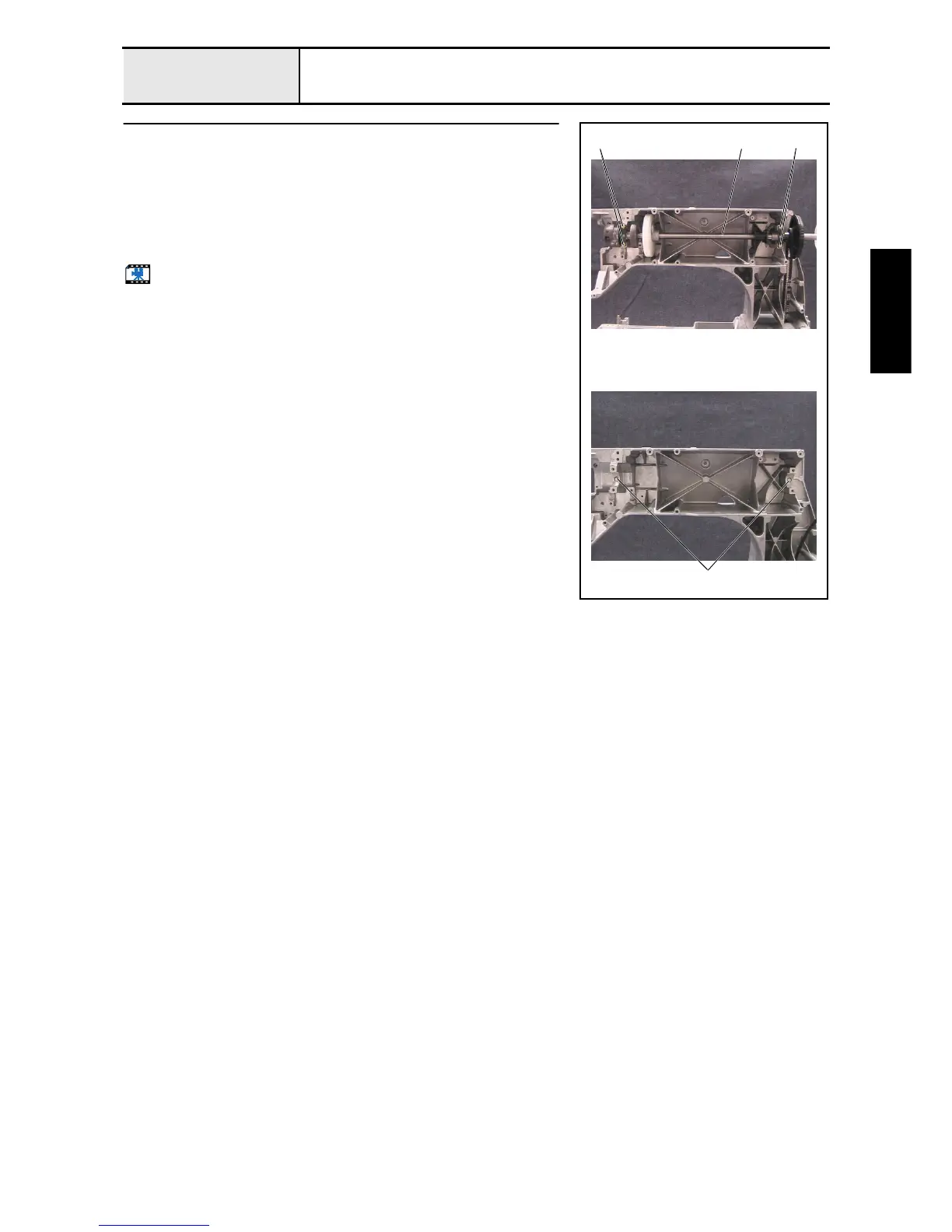
Upper shaft assembly removal
1. Remove the 4 screws 1, and then remove the 2 metal pressers.
2. Remove the upper shaft final assembly 1.
*Key point
• Be careful not to damage the encoder.
3. Remove the 2 felts 2 from the metal collar on the arm bed.
4. Remove the pulley from the upper shaft final assembly.
Start movie clip (CD-ROM version only)
1
11
2















 To Next Page