2 - 3
Main parts
Main unit
Disassembly
1
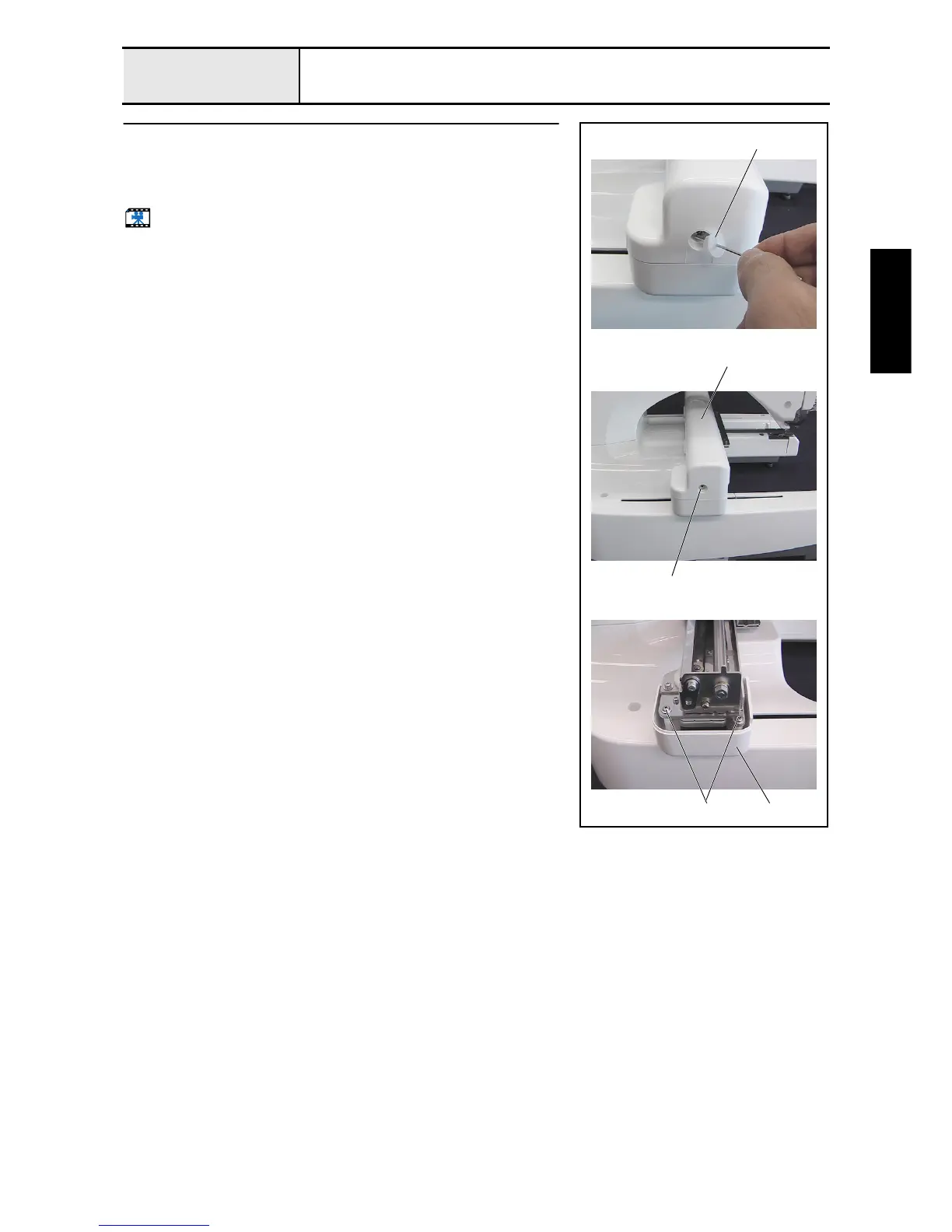
Motor cover and carriage cover removal
1. Remove the screw cover 1.
2. Remove the screw 1, and then remove the carriage cover 2.
3. Remove the 2 screws 2, and then remove the motor cover 3.
Start movie clip (CD-ROM version only)
1
1
2
3
2















 To Next Page