2 - 67
Thread tension unit
Main unit
Disassembly
5
Upper thread eyelet base removal
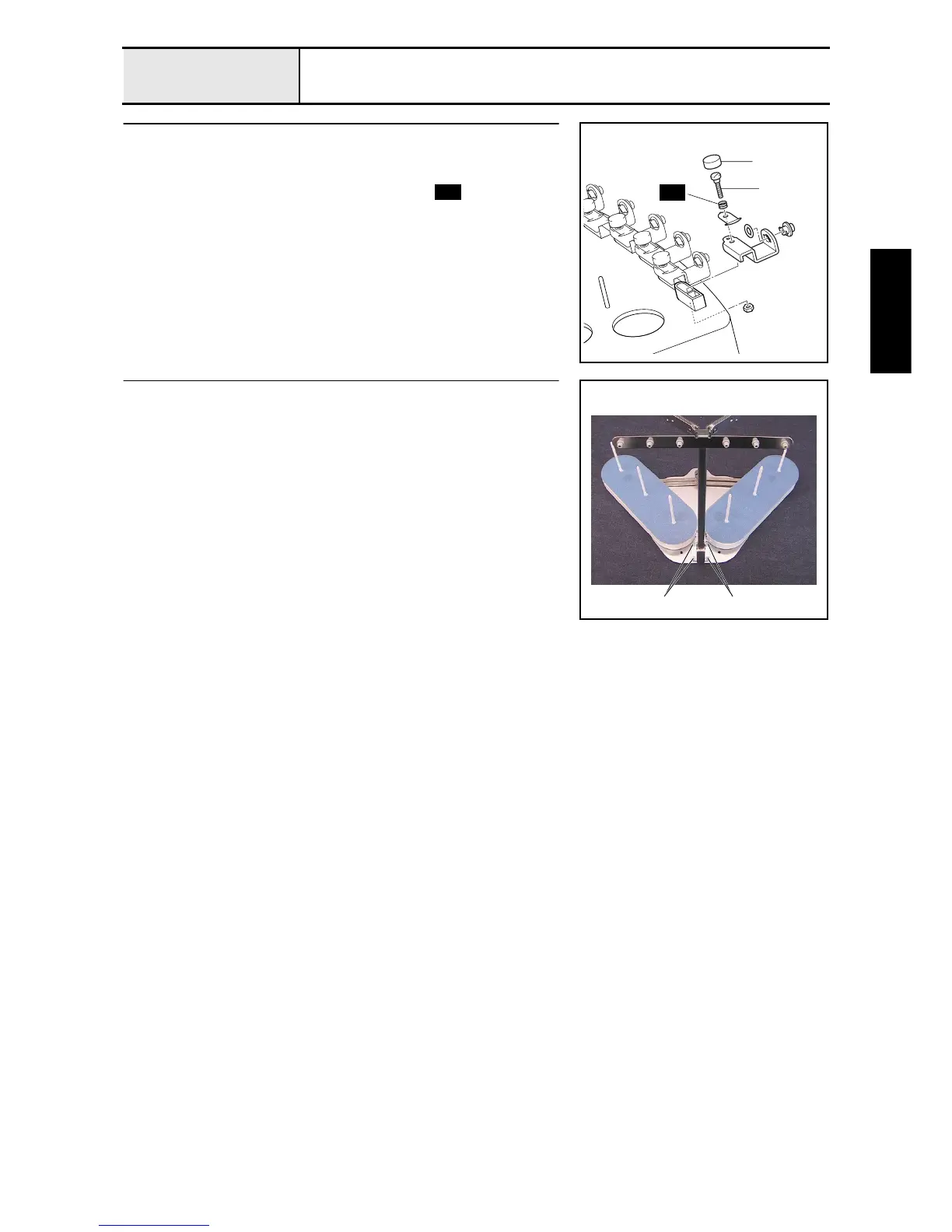
1. Remove the tension axis cap 1. (6 locations)
2. Loosen the thread guide tension screw 2, and remove the nut (2, M3).
Then remove the thread guide tension plate, spring , and upper thread
eyelet base. (6 locations)
1
2
S53
S53
6
Antenna assembly removal
1. Remove the 4 screws 1, and then remove the antenna assembly from the
thread stand base assembly.
1 1















 To Next Page