2 - 18
Feed unit
Main unit
5
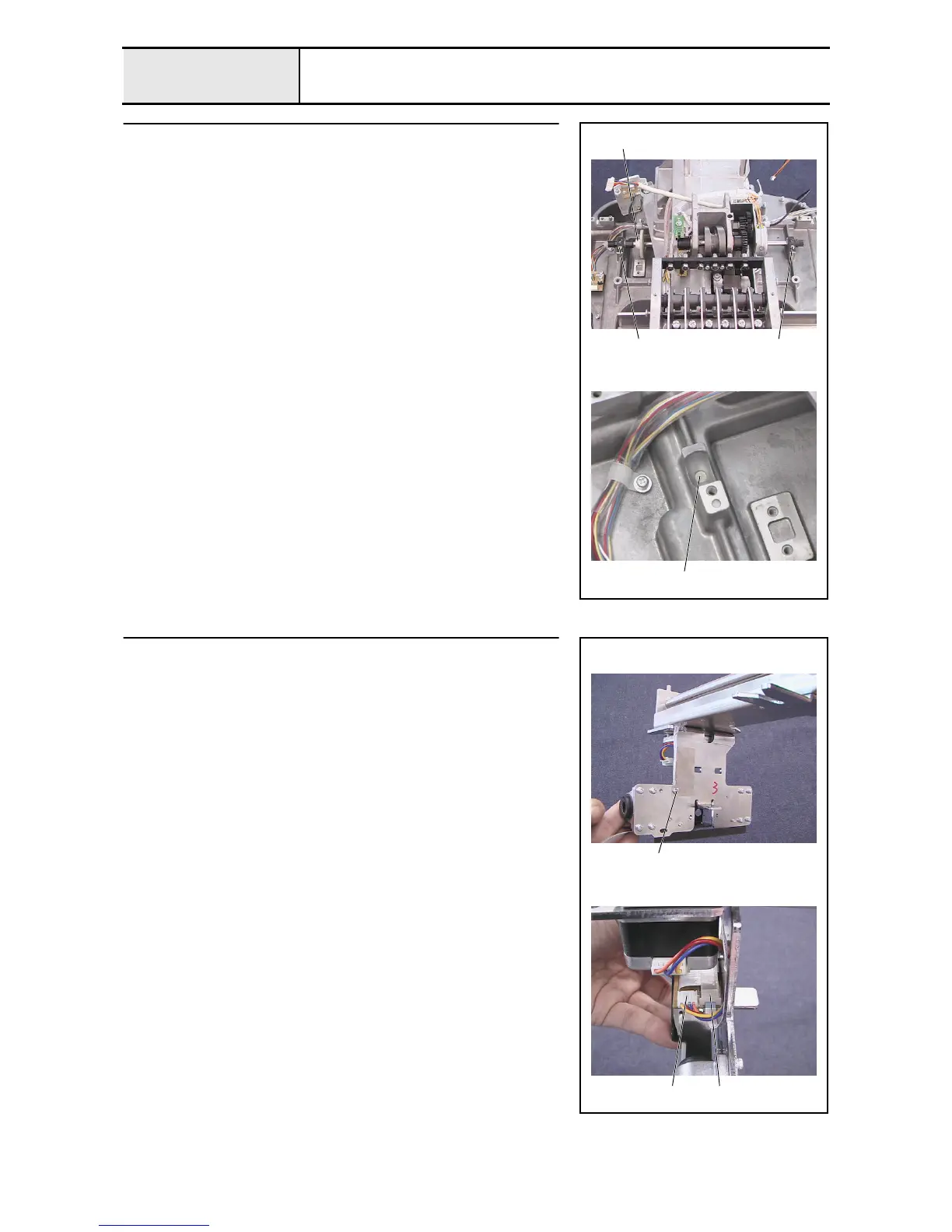
Y-driving shaft assembly removal
1. Remove the 2 screws 1, and then remove the 2 bushing pressers A.
2. Remove the Y-driving shaft assembly 1.
3. Remove the 2 felts 2.
1
1 1
2
6
Cord grip removal
1. Remove the screw 1, and then remove the cord grip.
2. Disconnect the X-feed motor's lead wire from the connect PCB 1.
3. Unlock the connect PCB's connector 2, and then disconnect the FFC
(SML2CD-C) from the connect PCB.
1
1
2















 To Next Page