2 - 11
Main parts
Main unit
Disassembly
13
Needle plate removal
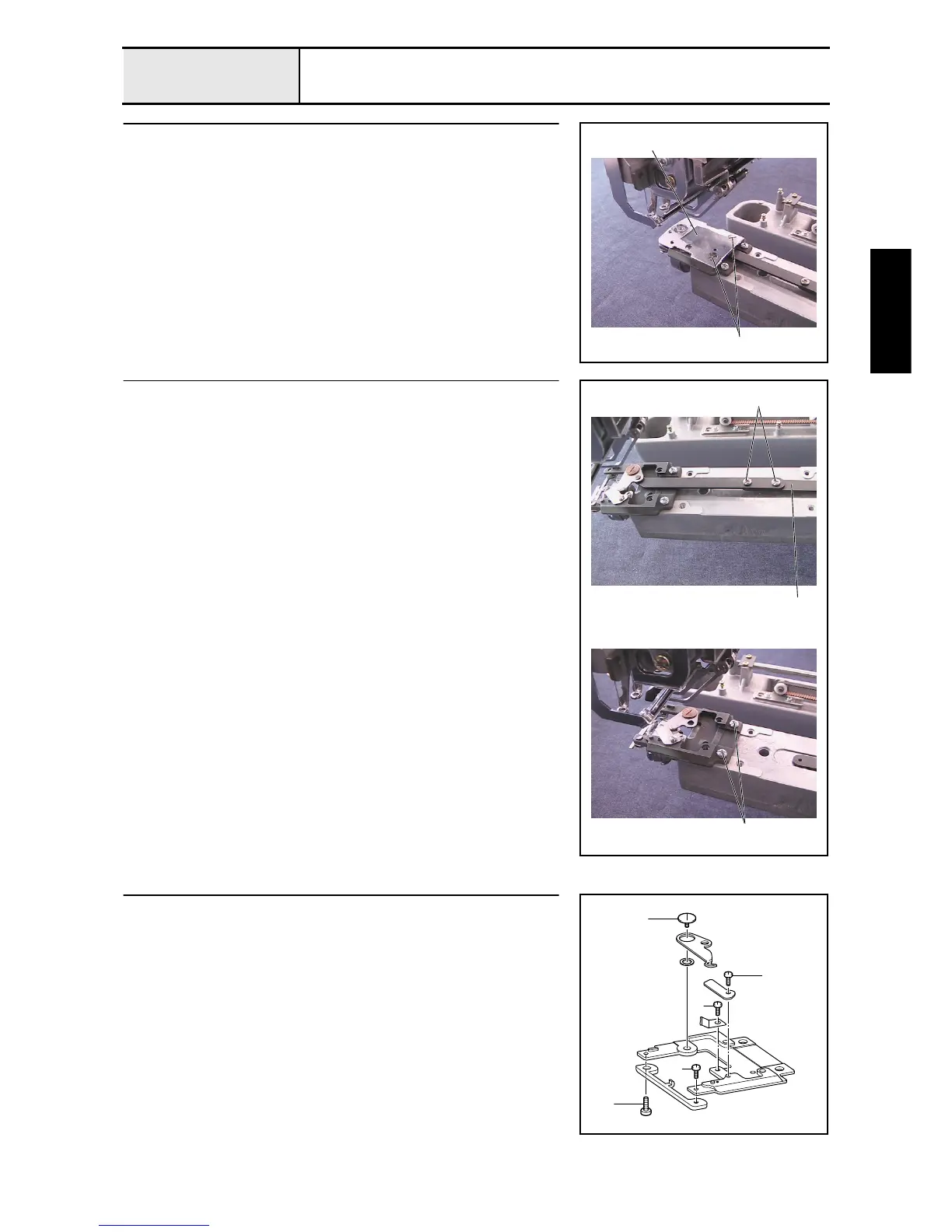
1. Remove the 2 screws 1, and then remove the needle plate 1.
1
1
14
Needle plate base assembly removal
1. Remove the 2 screws 1 to disconnect the cutter link assembly 1.
2. Remove the 2 screws 2, and then remove the needle plate base assembly.
1
2
1
15
Needle plate base disassembly
1. Remove the screws 1, 2, and then remove the rotary hook stopper.
2. Remove the screw 3, and then remove the movable knife and the movable
knife collar.
3. Remove the screw 4, and then remove the fixed knife.
4. Remove the screw 5, and then remove the thread holding plate.
1
2
5
4
3
3
1
2
5
4















 To Next Page