2 - 33
Thread wiper unit
Main unit
Disassembly
1
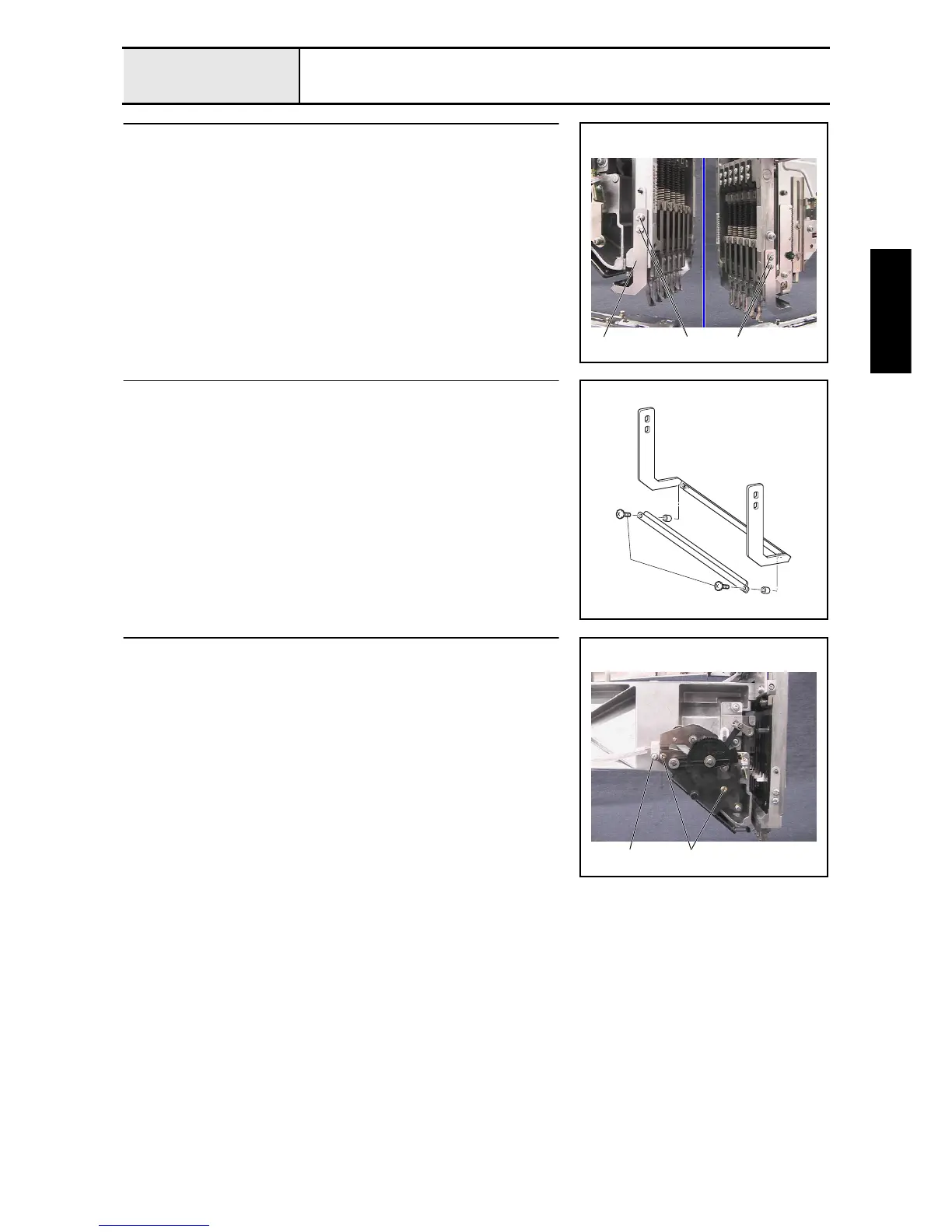
Thread presser base removal
1. Remove the 4 screws 1, and then remove the thread presser base assembly
1 from the needle bar case final assembly.
1
1 1
2
Thread presser base disassembly
1. Remove the 2 screws 1, and then remove the thread presser cover
assembly and the 2 thread presser spacers from the thread presser base
assembly.
1
3
Wiper set assembly removal
1. Remove the screw 1, and then remove the cord clamp NK-5N.
2. Remove the 2 screws 2, and then remove the wiper set assembly.
12















 To Next Page