2 - 9
Main parts
Main unit
Disassembly
8
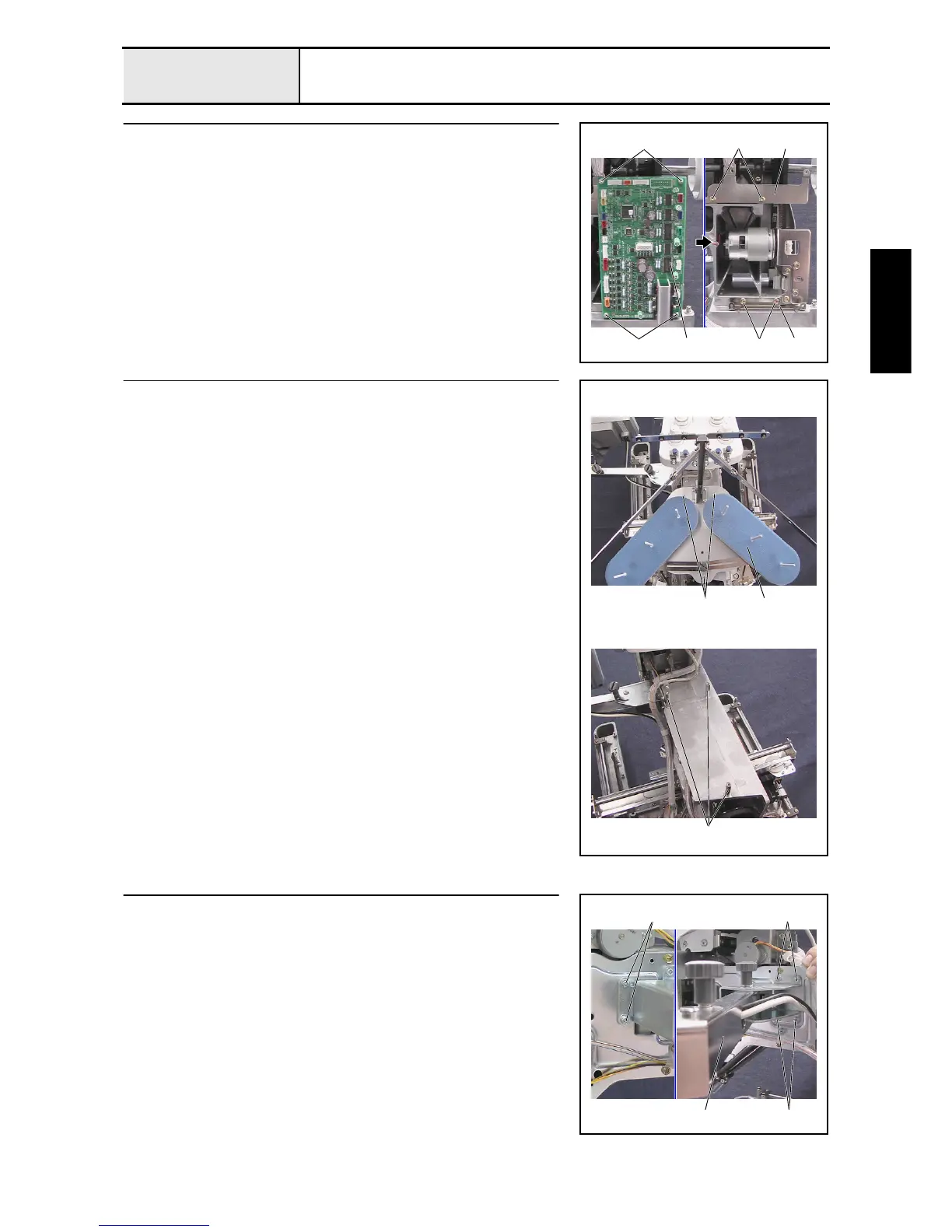
Main PCB assembly removal
1. Disconnect all connectors from the main PCB.
2. Remove the 4 screws 1, and then remove the main PCB assembly 1.
3. Remove the 4 screws 2, and then remove board holder U 2 and board
holder D 3.
1
2
2
3
1
2
1
9
Spool stand frame final assembly removal
1. Remove the 3 screws 1, and then remove the spool stand frame final
assembly 1.
2. Remove the 3 studs 2.
1
1
2
10
Operation panel assembly removal
1. Remove the 6 screws 1, and then remove the operation panel assembly
1.
1 1
11















 To Next Page