2 - 54
Main unit
Lower shaft unit
4
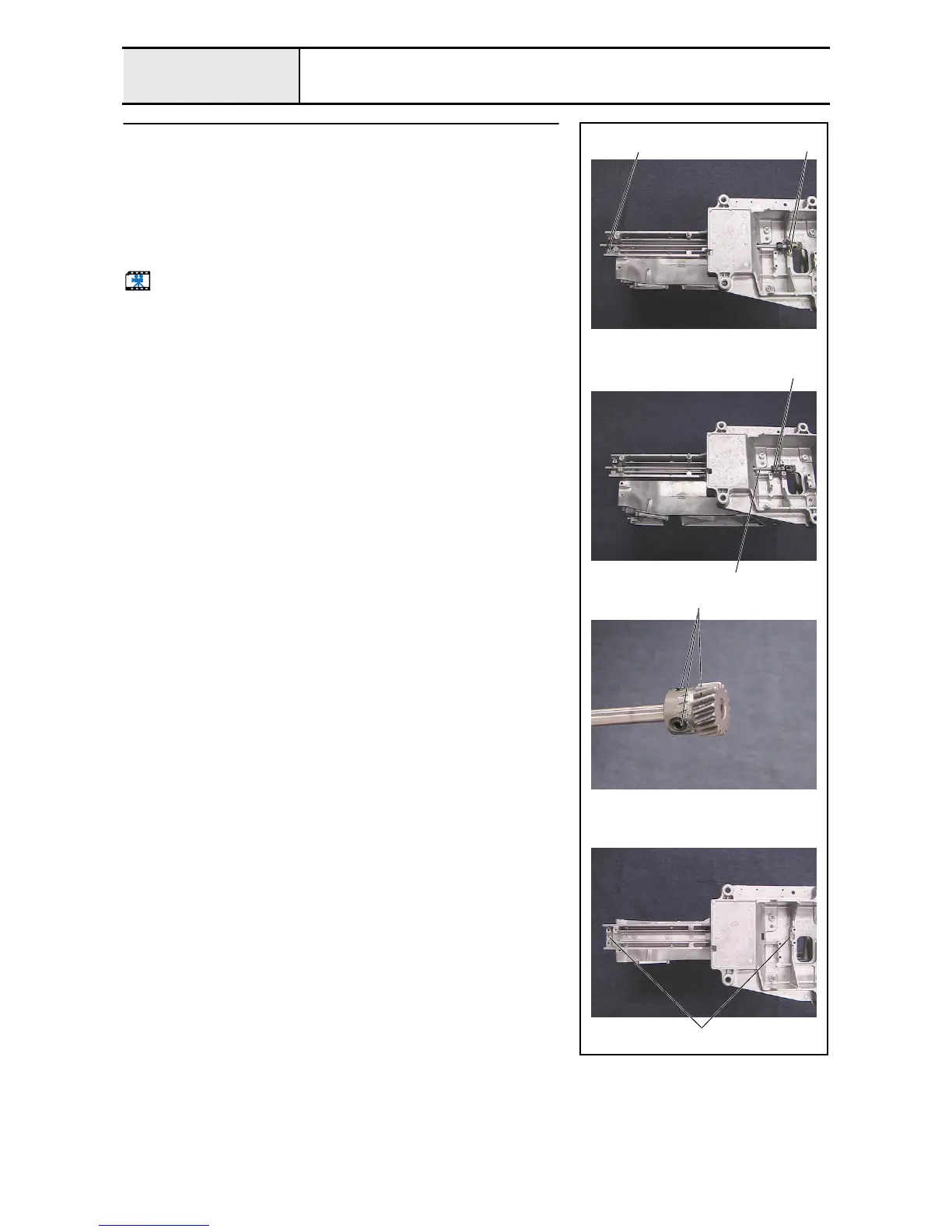
Lower shaft removal
1. Remove the 4 screws 1, and then remove the 2 bushing pressers.
2. Remove the 2 collar screws 2, and then remove the lower shaft 1, lower
shaft metal F, set collar, thrust wafer 7.24, lower shaft metal R, and second
thrust wafer 7.24.
3. Remove the 3 screws 3, and then remove the lower shaft gear from the
lower shaft.
4. Remove the 2 felts 2 from the metal collar on the arm bed.
Start movie clip (CD-ROM version only)
1
3
11
2
2















 To Next Page