2 - 16
Main unit
Feed unit
2
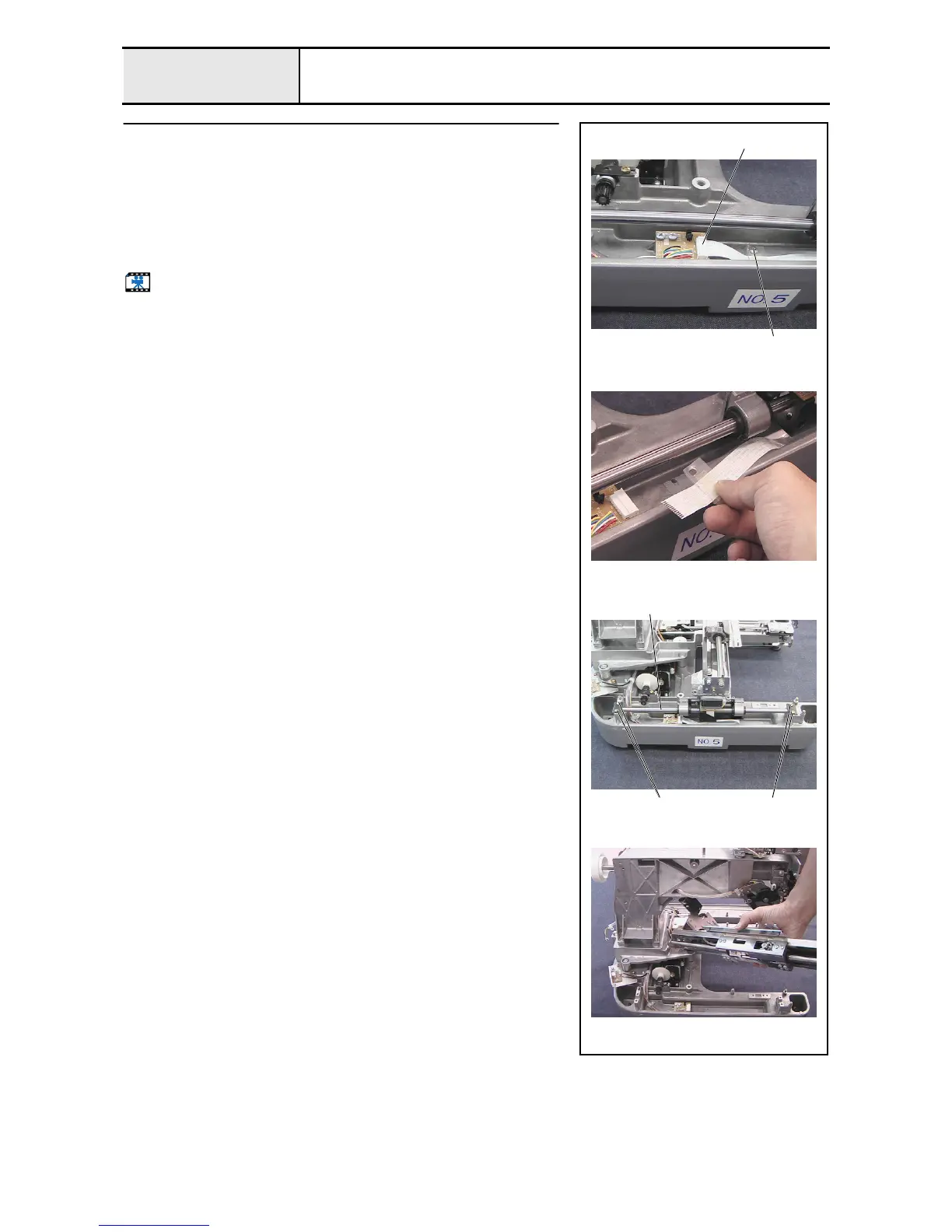
Feed final assembly removal
1. Draw the feed final assembly toward you.
2. Unlock the connector of the Y-area sensor assembly, and then remove the
FFC SML2CD-Y 1 from the Y-area sensor assembly.
3. Remove the screw 1, and then remove the sheet and sheet B.
4. Remove the 4 screws 2, and then remove the 2 fixed Y-shaft plates (one
each on left and right)..
5. Remove the feed final assembly and the 2 Y-guide shafts 2.
Start movie clip (CD-ROM version only)
1
1
2 2
2















 To Next Page