98
Data Sources for G2 Engines
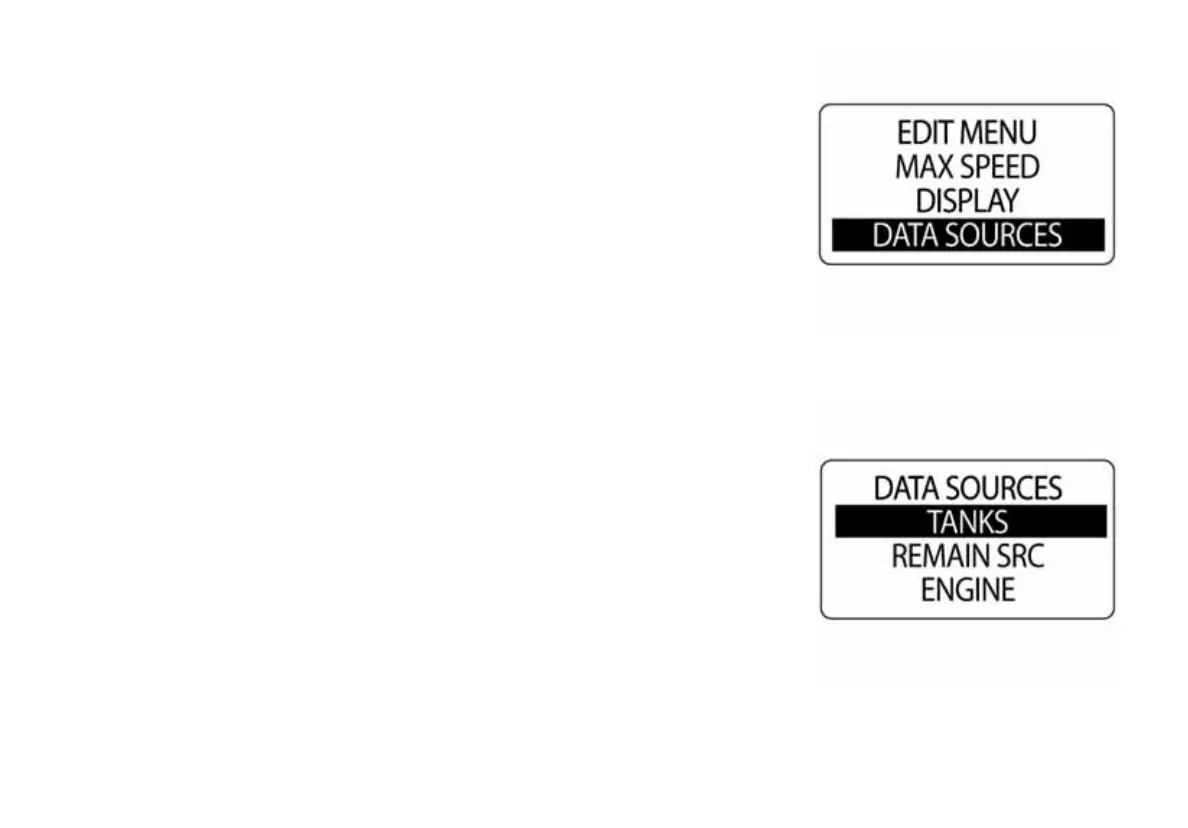
Use the DATA SOURCES menu to set the tank source, remaining source,
view engine type, select and calibrate the trim sender and choose the rudder
source. To enter the data sources menu:
1.) Press the MODE button once.
2.) Use the UP and DOWN to scroll to EDIT MENU.
3.) Press and hold the MODE button to enter the EDIT MENU.
4.) Use the UP and DOWN buttons to scroll to DATA SOURCES.
5.) Press and hold the MODE button to enter the DATA SOURCES menu.
010117
010118



 To Next Page