83
Trim
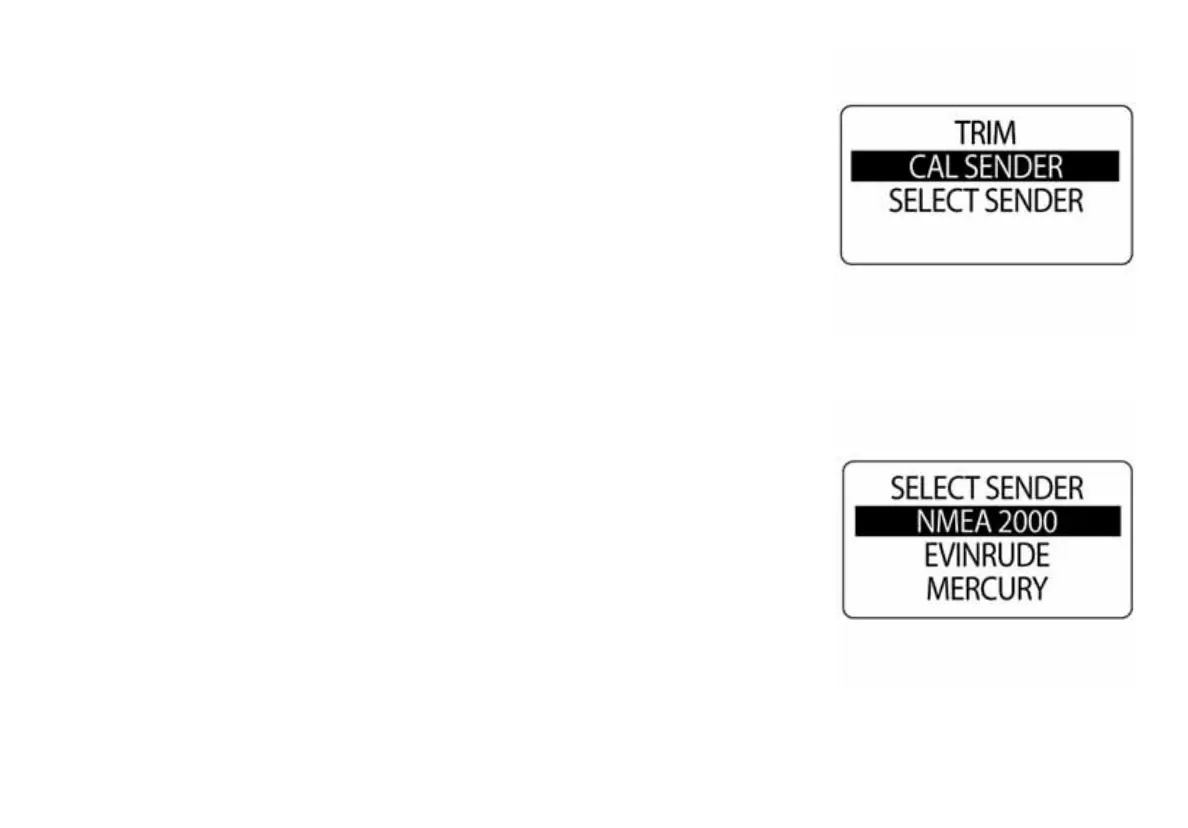
The ICON gauge package can monitor multiple trim senders. The default
trim sender is set to NMEA 2000. To change the trim sender setting, enter
the DATA SOURCES menu, then:
1.) Use the UP or DOWN buttons to select TRIM.
2.) Press and hold the MODE button to enter the selection.
3.) Use the UP or DOWN buttons to select TRIM SENDER.
4.) Press and hold the MODE button to enter the selection.
5.) Use the UP or DOWN buttons to select the desired trim sender.
6.) Press and hold the MODE button to save the selection.
010092
010093



 To Next Page