28
View Trip and Season Data
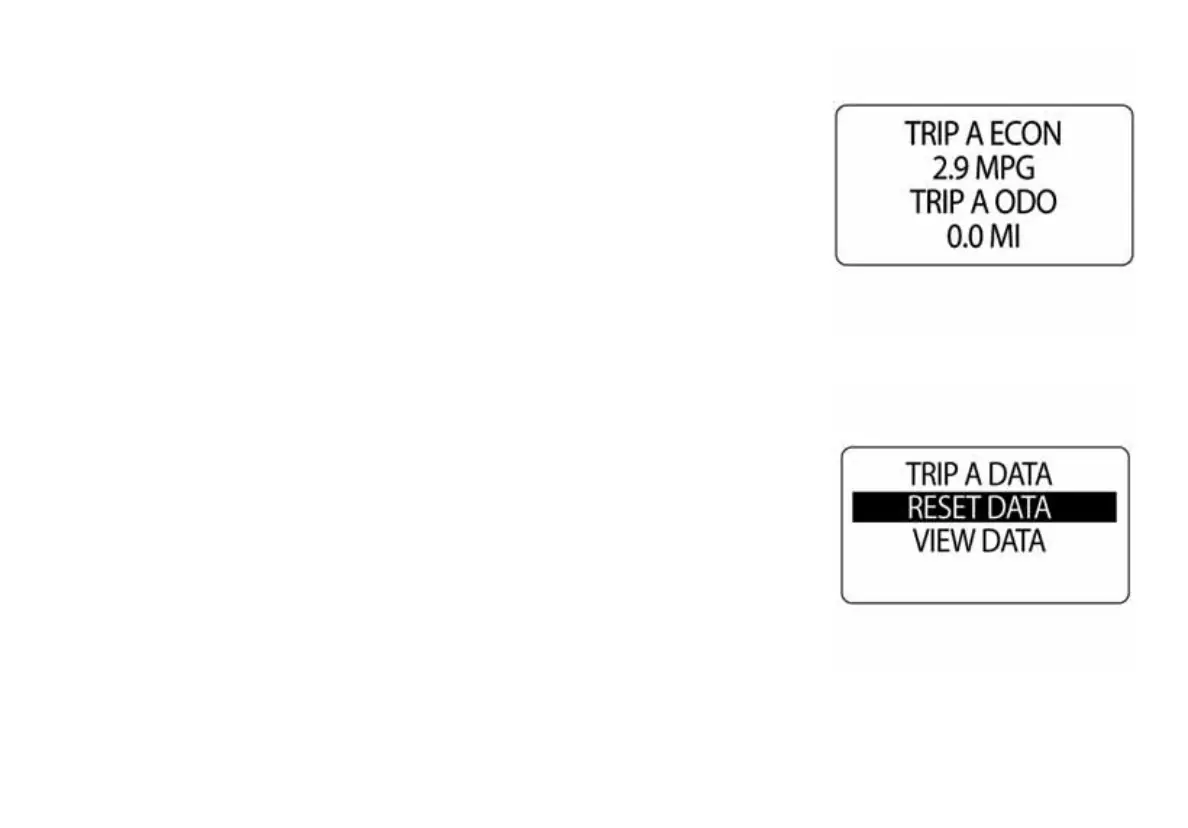
1.) Use the UP or DOWN buttons to select TRIP A, TRIP B or SEASON.
2.) Press and hold the MODE button to enter the selection.
3.) Use the UP or DOWN buttons to select VIEW DATA.
4.) Press and hold the MODE button to make a selection.
5.) Use the UP or DOWN buttons to select information to be shown.
NOTE: Available trip information is ECON, ODO, FUEL and HOURS.
010006
010007



 To Next Page