127
MAXIMUM SPEED
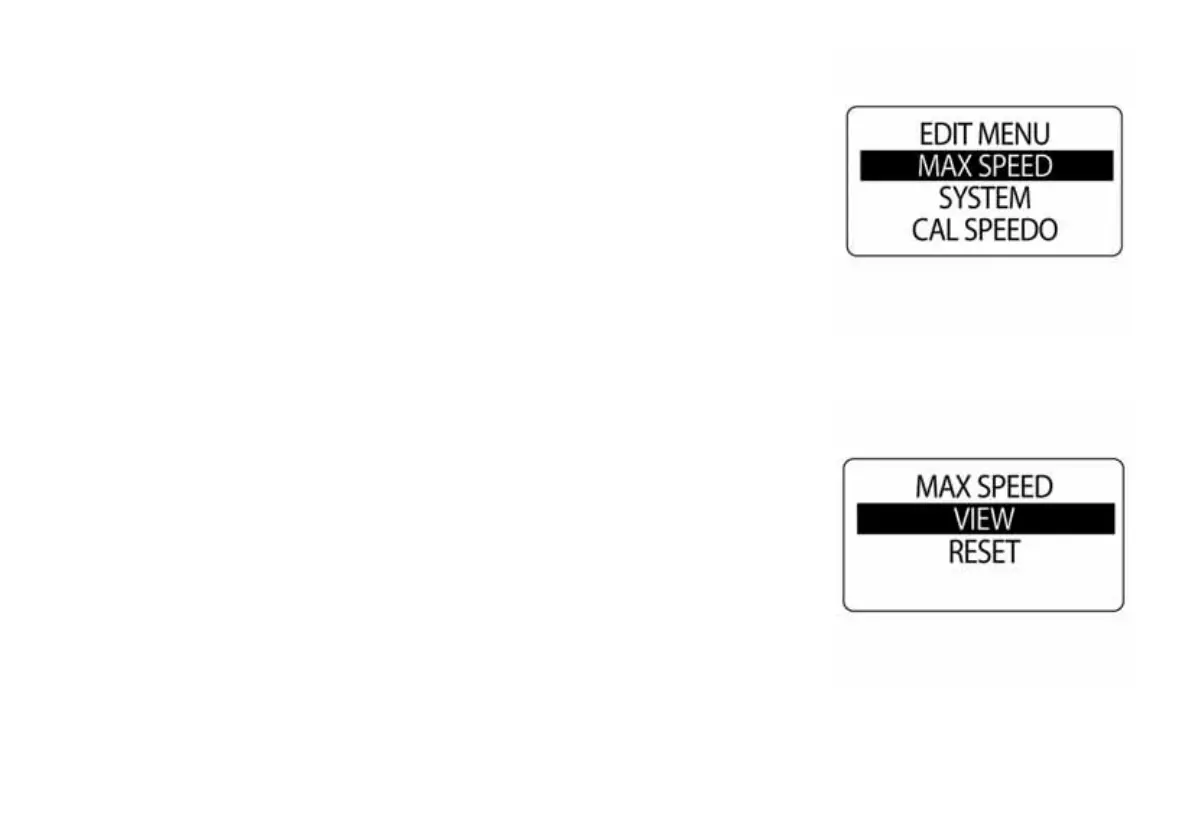
Use MAXIMUM SPEED to record the maximum speed the speedometer
has reached. To view or reset the MAX SPEED enter the EDIT MENU,
then:
1.) Use the UP or DOWN buttons to select MAX SPEED.
2.) Press and hold the MODE button to enter the selection.
To VIEW the MAX SPEED:
3.) Use the UP or DOWN buttons to select VIEW.
4.) Press and hold the MODE button to view the MAX SPEED.
To RESET the MAX SPEED:
5.) Use the UP or DOWN buttons to select RESET.
6.) Press and hold the MODE button to RESET the MAX SPEED.
The LCD screen will display: RESET MAX SPEED?
7.) Use the UP or DOWN buttons to select YES to RESET, or select NO
to EXIT.
8.) Press and hold the MODE button to save the selection.
010159
010160



 To Next Page