100
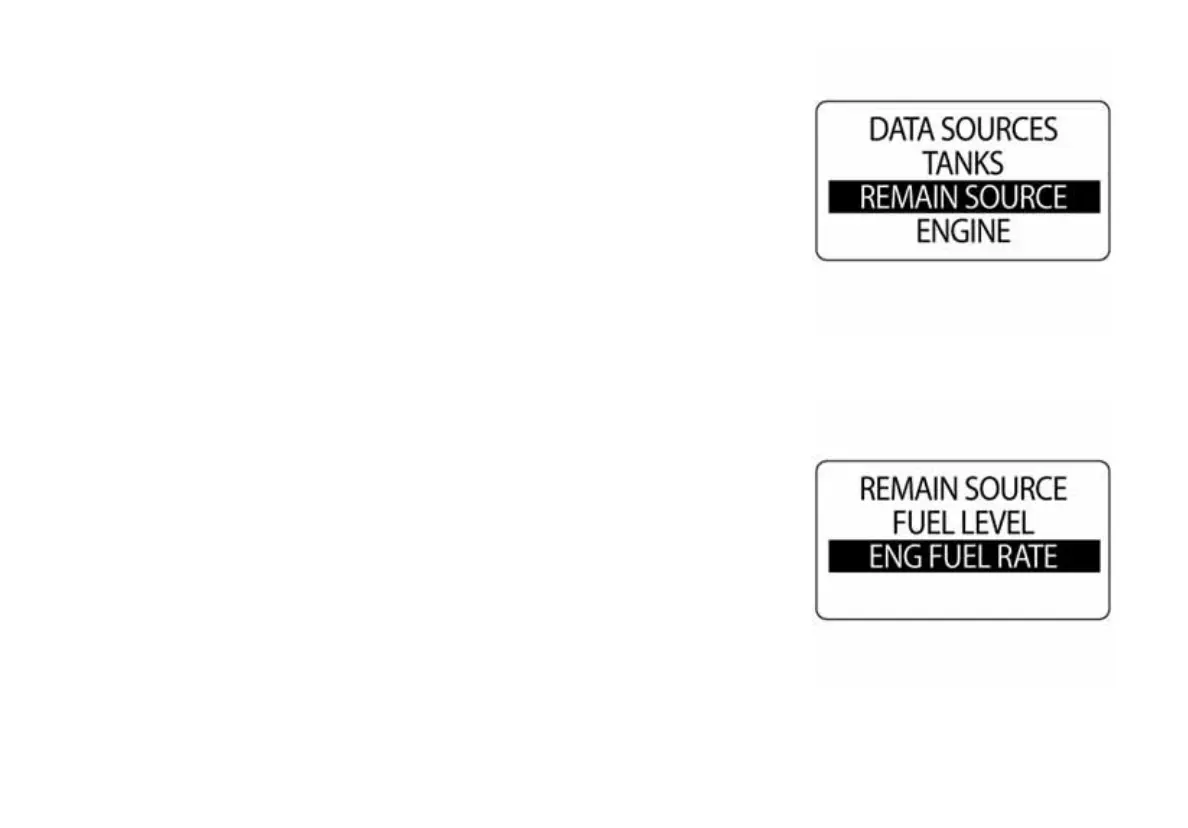
Remain Source
The Remain Source menu is where the remaining fuel source or the engine
fuel rate can be chosen.
To make changes to the REMAIN SOURCE menu, enter the DATA
SOURCES menu then:
1.) Use the UP or DOWN buttons to choose FUEL LEVEL or ENG. FUEL
RATE.
2.) Press and hold the MODE button to enter the selection.
3.) Use the UP and DOWN buttons to make changes to the specified
selection.
010121
010122



 To Next Page