126
Select Air Temperature Source
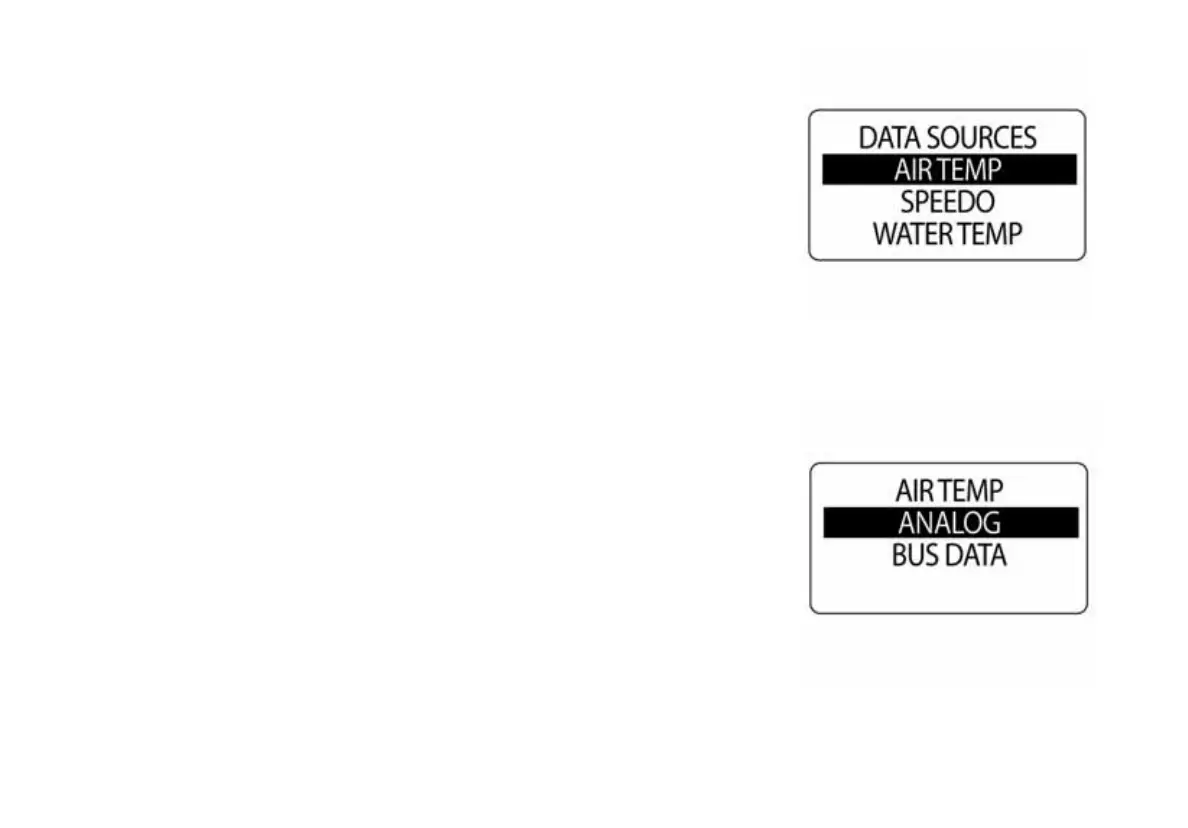
The default AIR TEMPERATURE Source is set to ANALOG sender. To
change the air temperature source enter the DATA SRCS menu, then:
1.) Use the UP or DOWN buttons to select AIR TEMP.
2.) Press and hold the MODE button to enter the selection.
3.) Use the UP or DOWN buttons to select ANALOG or BUS DATA.
4.) Press and hold the MODE button to enter the selection.
010157
010158



 To Next Page