36
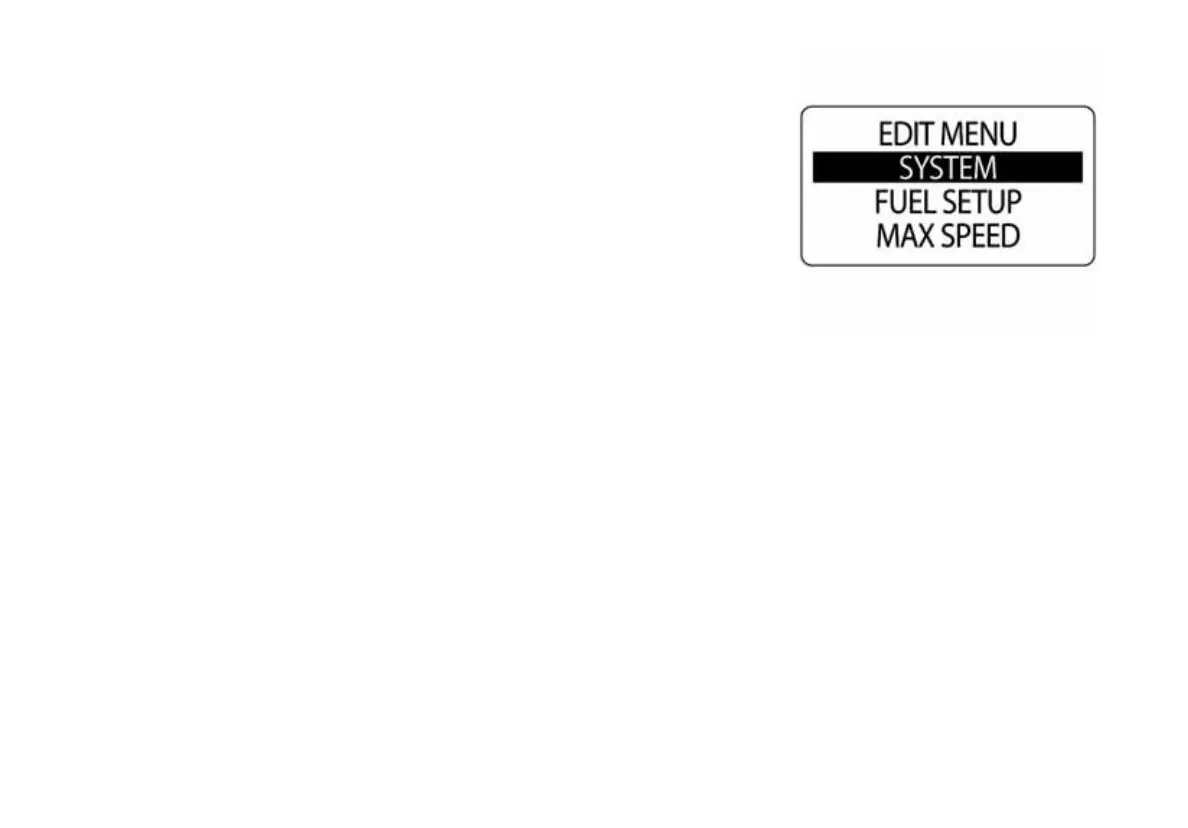
SYSTEM
Use the SYSTEM menu to initialize the tachometer, set the system lan-
guage, adjust audio settings, perform a Self-Test or Master Reset, and to
view the current software version for the tachometer. The SYSTEM menu
is also used to enter diagnostic mode and to enter the engine winterize
mode.
1.) Press the MODE button once.
2.) Use the UP or DOWN buttons to select EDIT MENU.
3.) Press and hold the MODE button to enter EDIT MENU options.
4.) Use the UP or DOWN buttons to select SYSTEM.
5.) Press and hold the MODE button to enter SYSTEM menu options.
010017



 To Next Page