70
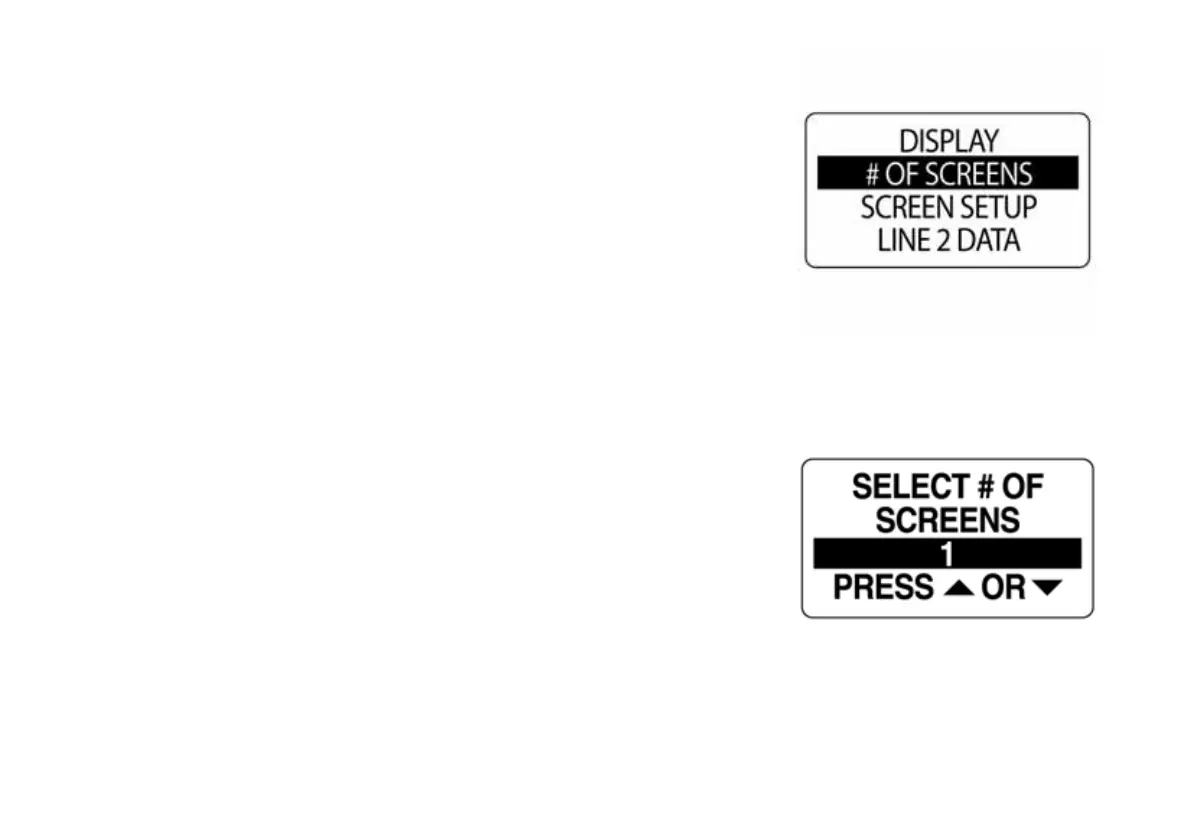
Set Number of Data Pages
There are twelve default data pages. Each data page can contain up to
two data fields. To add or delete data pages enter the DISPLAY menu,
then:
1.) Use the UP or DOWN buttons to select # OF SCREENS.
2.) Press and hold the MODE button to enter the selection.
3.) Press the UP button to increase, or press the DOWN button to
decrease the number of data pages.
The minimum number of data pages is one.
Press and hold the MODE button to save the selection. The LCD will
display SETTING SAVED! and the gauge will issue an audible beep.
010067
010068



 To Next Page