50
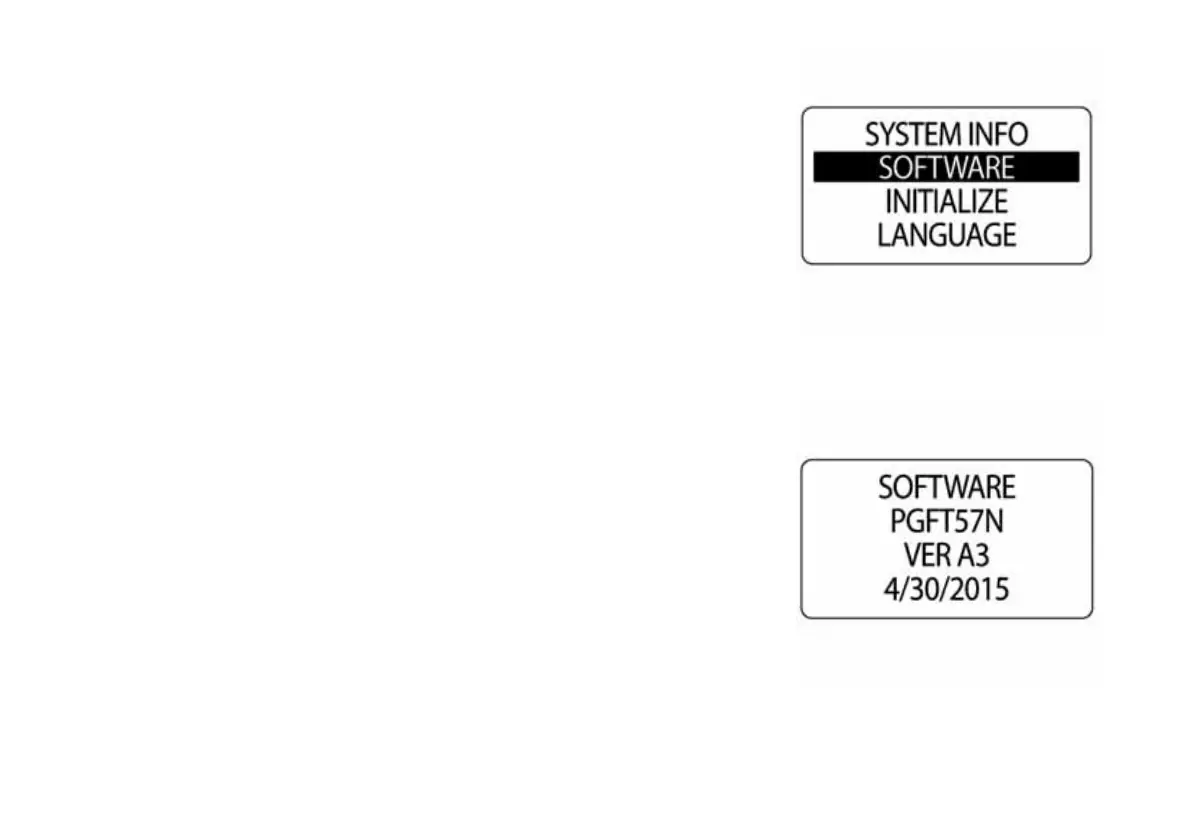
Software Version
Use the SOFTWARE feature to view the current version of software oper-
ating in the tachometer. This information may be useful when communicat-
ing with technical support.
To view the software version, enter the SYSTEM menu, then:
1.) Use the UP or DOWN buttons to select SOFTWARE.
2.) Press and hold the MODE button to enter the selection.
The LCD screen will display the:
•program identifier (starts with the letters “PGF”)
•revision for the program identifier
•release date for the software
010038
010039



 To Next Page