29
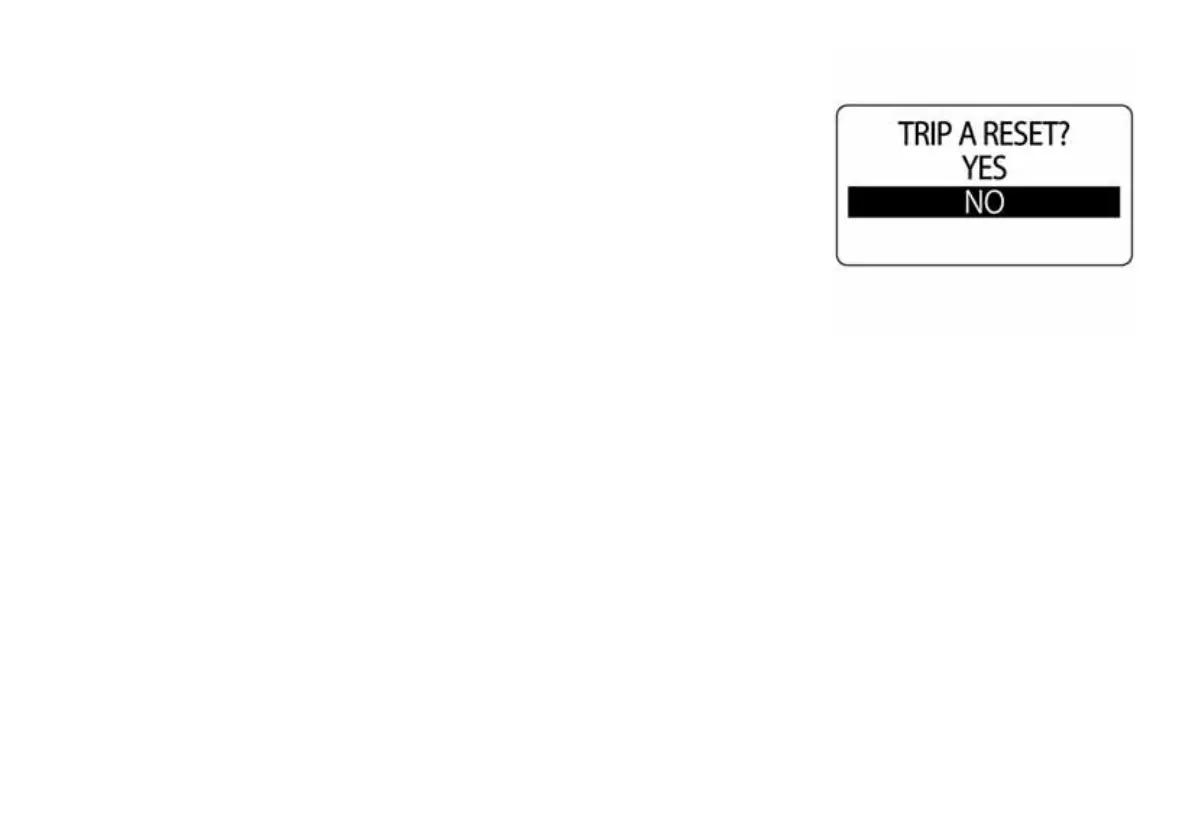
Resetting Trip and Season Data
1.) Use the UP or DOWN buttons to select TRIP A, TRIP B, or SEASON.
2.) Press and hold the MODE button to enter the selection.
3.) Use the UP or DOWN buttons to select REST DATA.
4.) Press and hold the MODE button to make a selection.
5.) Use the UP or DOWN buttons to select YES to reset the data. Select
NO to exit.
6.) Press and hold the MODE button to reset the data. The LCD screen
displays SETTING SAVED! and the gauge will issue an audible beep.
010008



 To Next Page