11
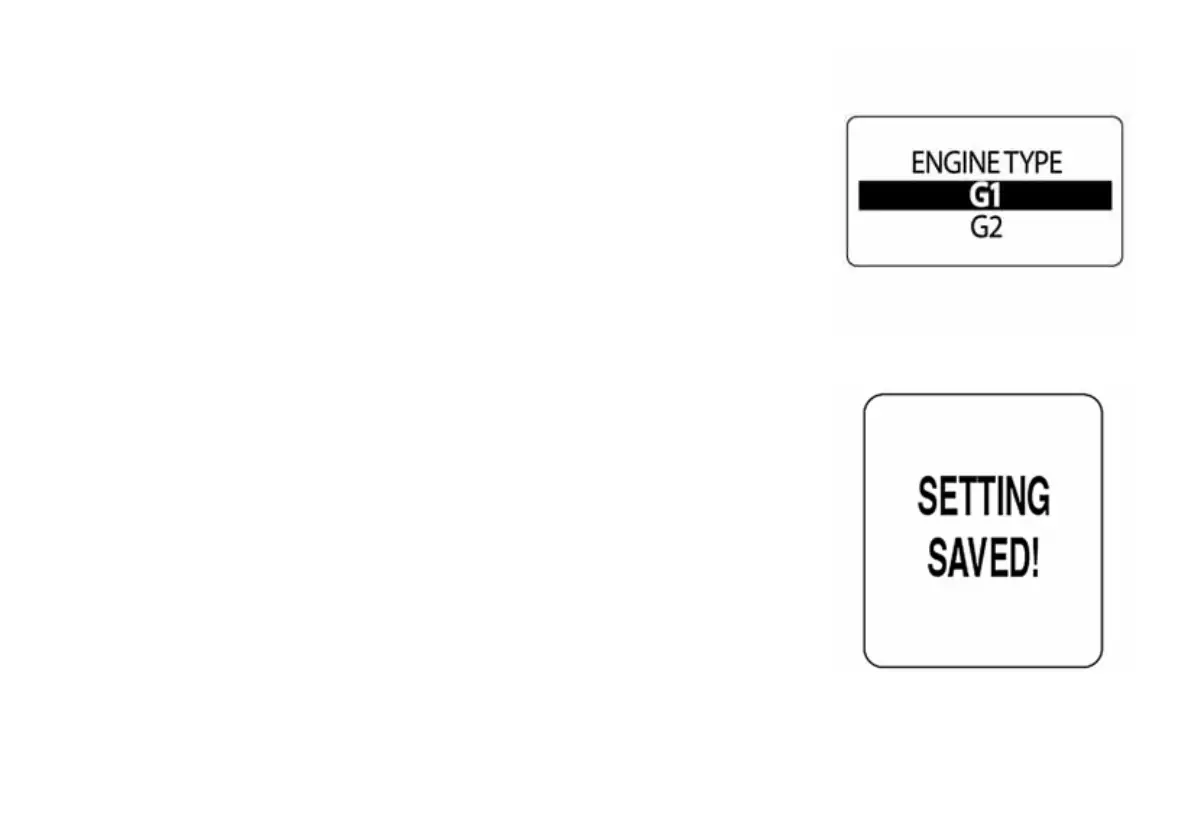
Engine Type
Set the engine type to either G1 or G2 using the following steps:
1.) Use the UP and DOWN buttons to highlight either G1 or G2.
2.) Once the proper engine type is selected, hold the MODE button
down to save the appropriate selection.
The LCD screen will display SETTING SAVED! and the ICON gauge will
issue and audible beep.
009969
009970



 To Next Page