75
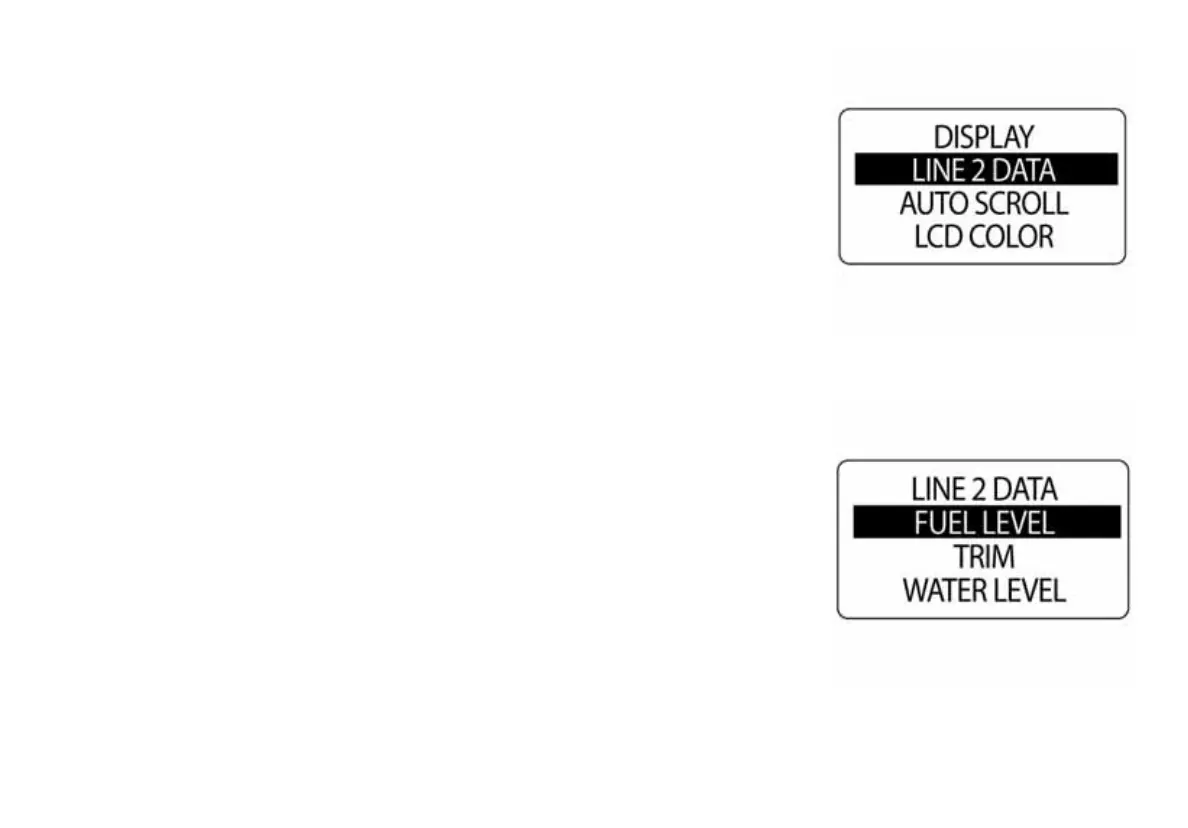
Setting the Line 2 Data
The ICON tachometer can show limited data on the second line of the LCD
display. To change the Line 2 data, enter the DISPLAY menu then:
1.) Use the UP and DOWN buttons to select LINE 2 DATA
2.) Press and hold the MODE button to enter the selection.
3.) Use the UP and DOWN button to select the data that will show in the
line 2 display.
4.) Hold the MODE button to save the selection.
5.) The LCD will display SETTING SAVED! and the gauge will issue an
audible beep.
NOTE: The choices of the Line 2 Data are Fuel Level, Trim, Load, Throttle,
Water Level, Oil Level, Ballast, Baitwell, Freshwater, Grey Water, Black
Water and OFF.
010077
010078



 To Next Page