55
FUEL SETUP FOR G1 ENGINES
Use the FUEL SETUP menu to add fuel, reset the fuel used, set the tank
size, select the fuel sender, calibrate the fuel sender, set the low fuel warn-
ing and select the fuel remaining source for each tank.
The Totalizer settings are used to reset the Totalizer fuel data and to set
the Totalizer low fuel warning.
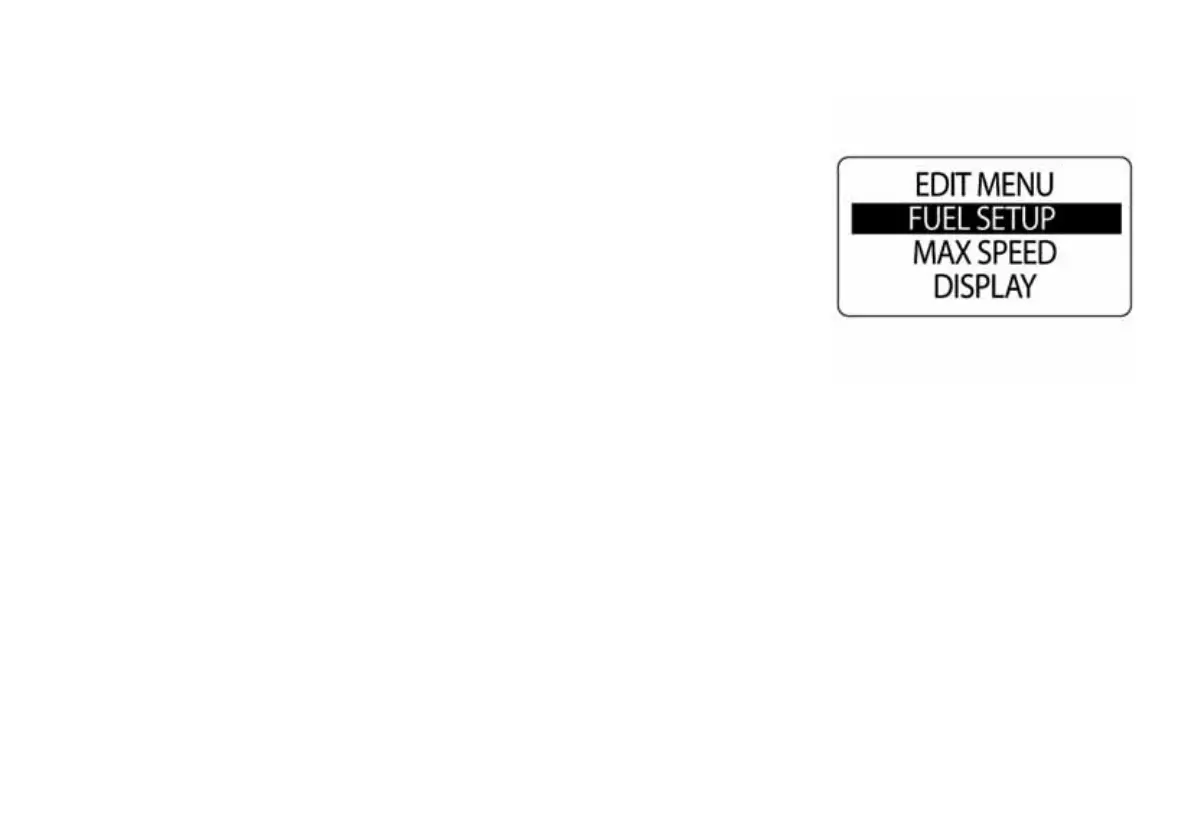
To enter the FUEL SETUP menu:
1.) Press the MODE button once.
2.) Use the UP or DOWN buttons to select EDIT MENU.
3.) Press and hold the MODE button to enter the selection.
4.) Use the UP or DOWN buttons to select FUEL SETUP.
5.) Press and hold the MODE button to enter the selection.
010051



 To Next Page