49
Fuel Added Auto Detect
A Fuel Added Auto Detect feature is provided to maintain accuracy of the
fuel totalizer. When fuel is added to the fuel tank, all fuel level changes
must be updated within the ICON gauge package.
IMPORTANT: The Auto Detect Feature is disabled if the fuel source is
ENGINE.
1.) If the tachometer identifies that the fuel level in any of the active fuel
tanks meets default criteria the auto pop up for fuel will appear.
2.) If fuel has been added to the fuel tank, press and hold the MODE but-
ton to select YES. If fuel has NOT been added to the fuel tank, use the
UP or DOWN buttons to select NO. Press and hold the MODE button to
enter this selection.
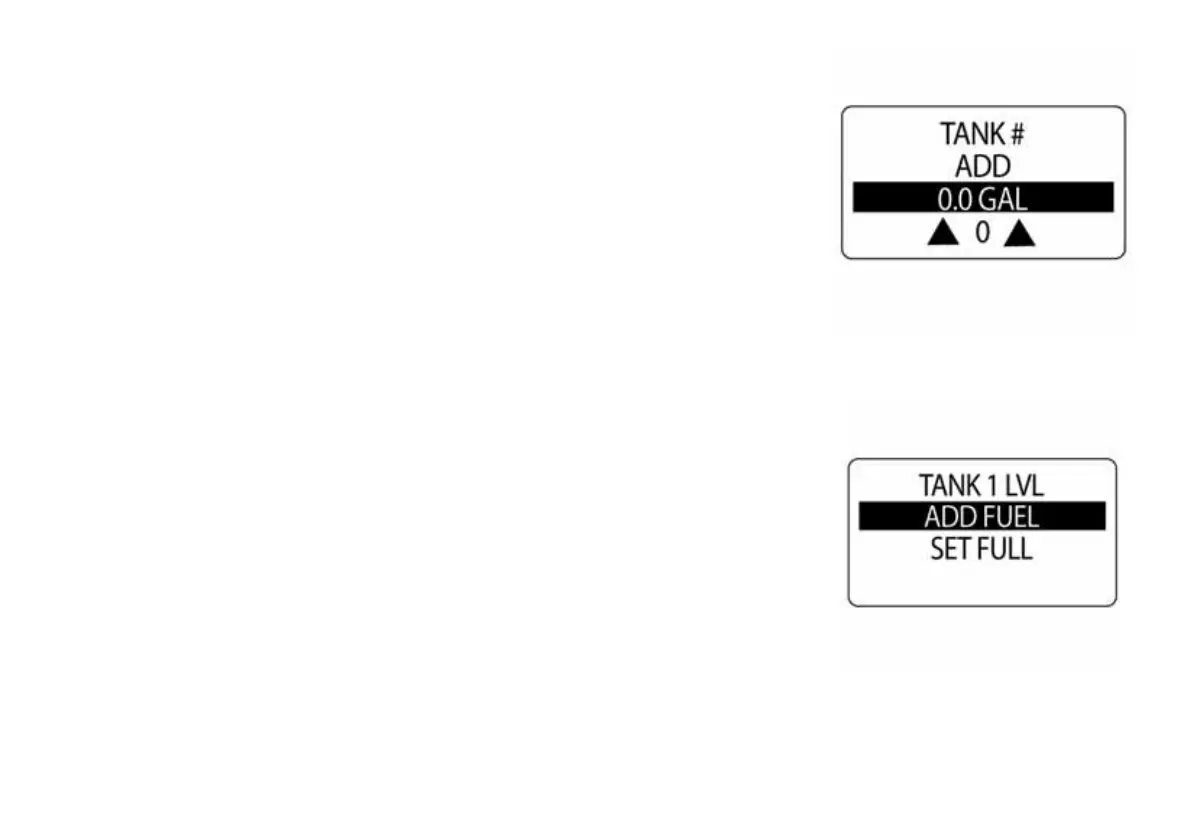
There are two options for adjusting the fuel level: ADD FUEL and SET
FULL.
Use the UP or DOWN buttons to select the desired option. Press and hold
the MODE button to enter this selection.
010036
010037



 To Next Page