37
Initialization
When the ICON tachometer is first powered on, the ICON gauge will enter
INITIALIZATION mode.
If initialization is needed after the first power ON:
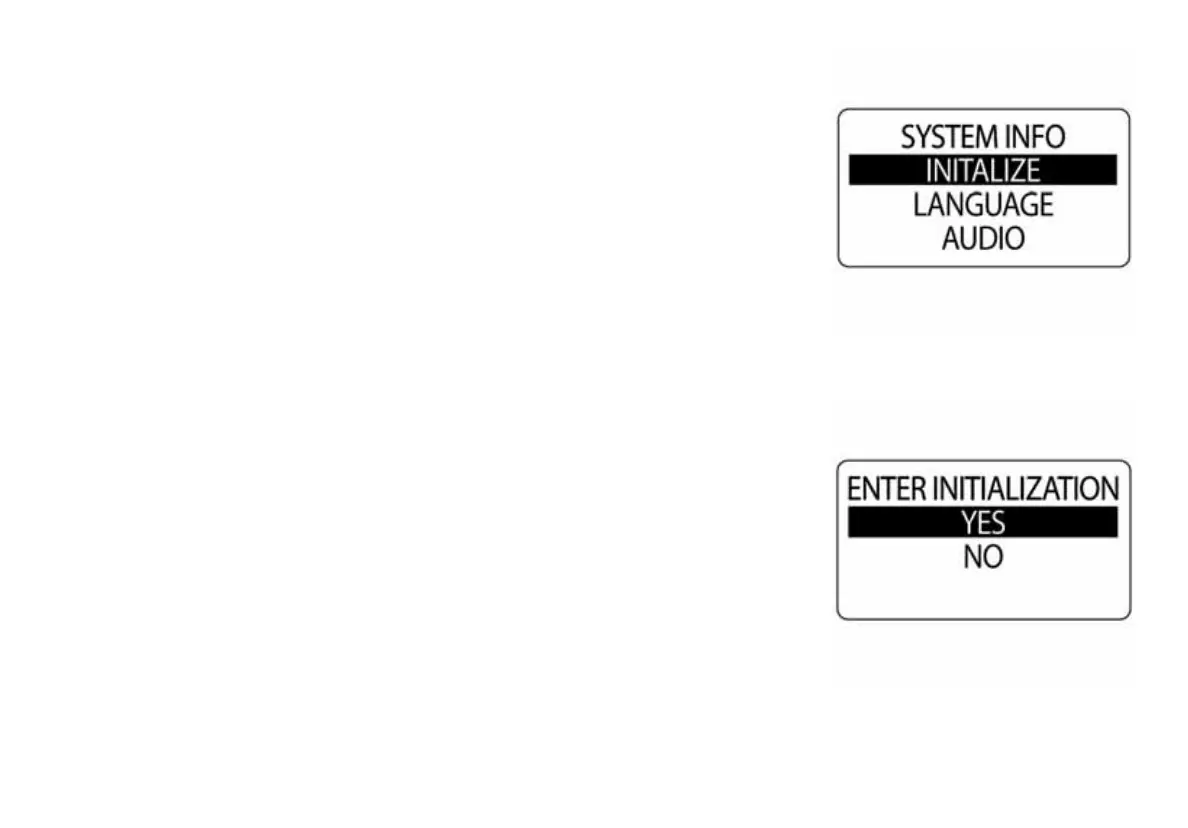
1.) Use the UP or DOWN buttons to select INITIALIZE.
2.) Press and hold the MODE button to make the selection.
3.) Use the UP or DOWN buttons to select YES. Select NO to return to
the EDIT menu.
4.) Press and hold the MODE button to make a selection.
NOTE: If the ICON tachometer has not been initialized previously, when
power is first applied the tachometer will automatically start up into the INI-
TIALIZATION mode.
010018
010019



 To Next Page