91
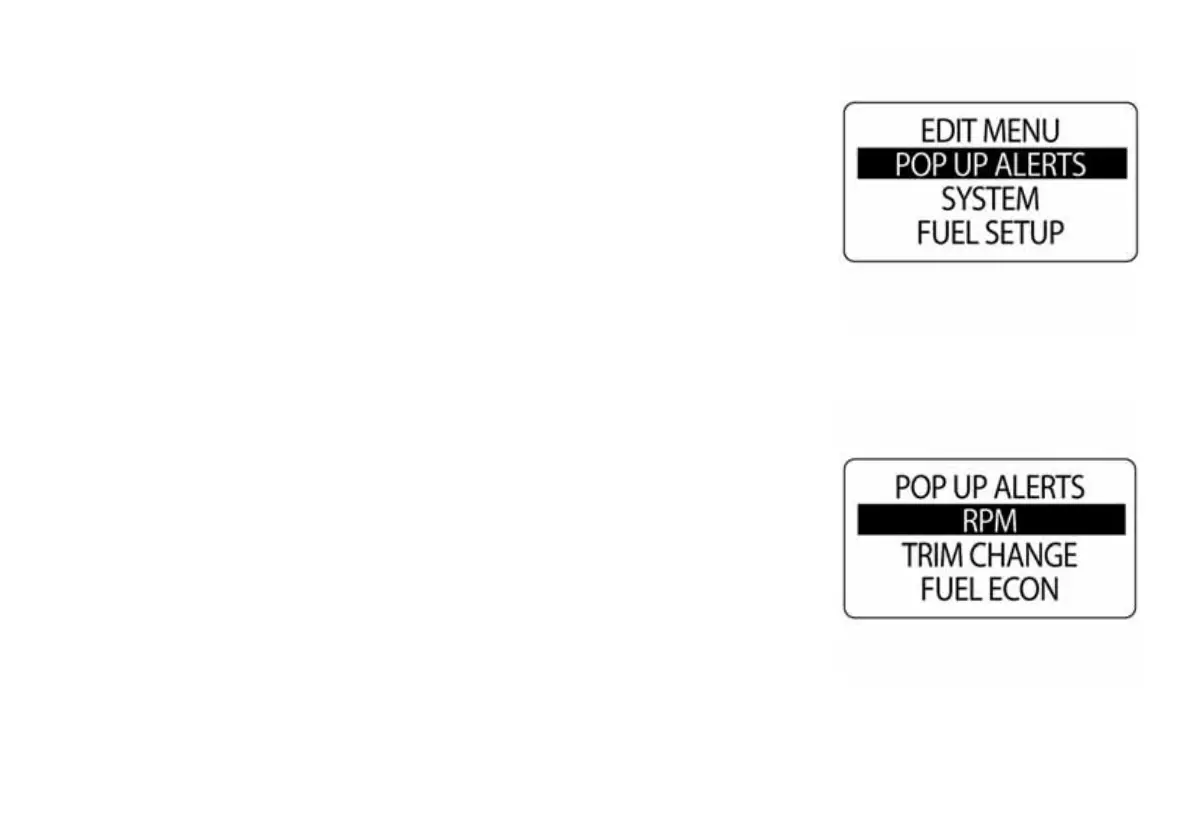
Pop Up Alerts
The POP-UPS feature alerts users when changes occur in a monitored
data field. The ICON tachometer has Pop Ups available for RPM, TRIM
CHANGE, FUEL ECONOMY, DURATION, EST RANGE and SPEED.
The pop up default setting is OFF. To turn ON pop ups and set the thresh-
old for data fields:
1.) Press the MODE button once.
2.) Use the UP or DOWN buttons to select EDIT MENU.
3.) Press and hold the MODE button to enter the selection.
4.) Use the UP or DOWN buttons to select POP UP ALERTS.
5.) Press and hold the MODE button to enter the selection.
010104
010105



 To Next Page