14
1. Teleflex Throttle/Shift
Control
009974
1. Fluid Levels box 009975
Tank Setup (G2 Engines)
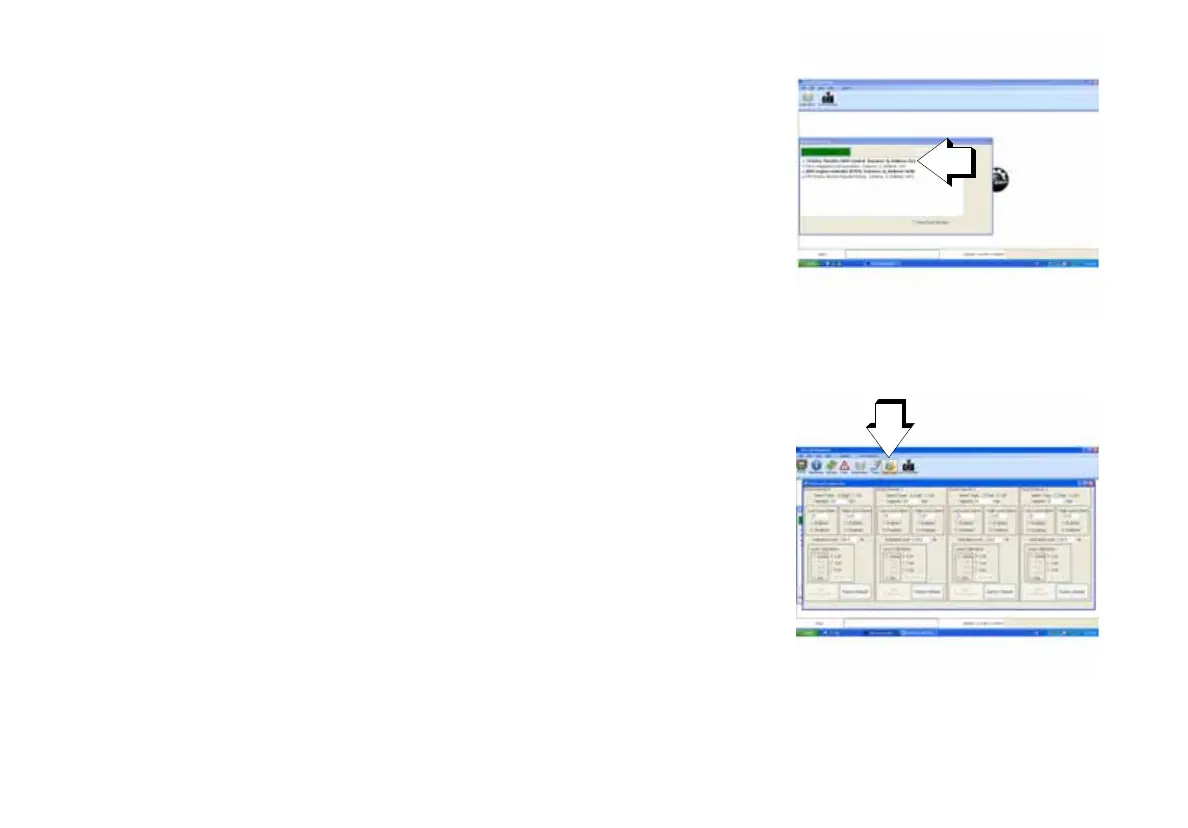
1.) Connect a laptop equipped with EvDiag6 to the diagnostic port of the
outboard.
2.) Open EvDiag6 and connect to the network.
3.) Select the Teleflex Throttle/Shift Control option.
4.) Click on the Fluid Levels box at the top of the screen. This will bring
up the fluid level configuration box where the instances for each tank will
need to be configured.



 To Next Page