77
Data Sources for G1 Engines
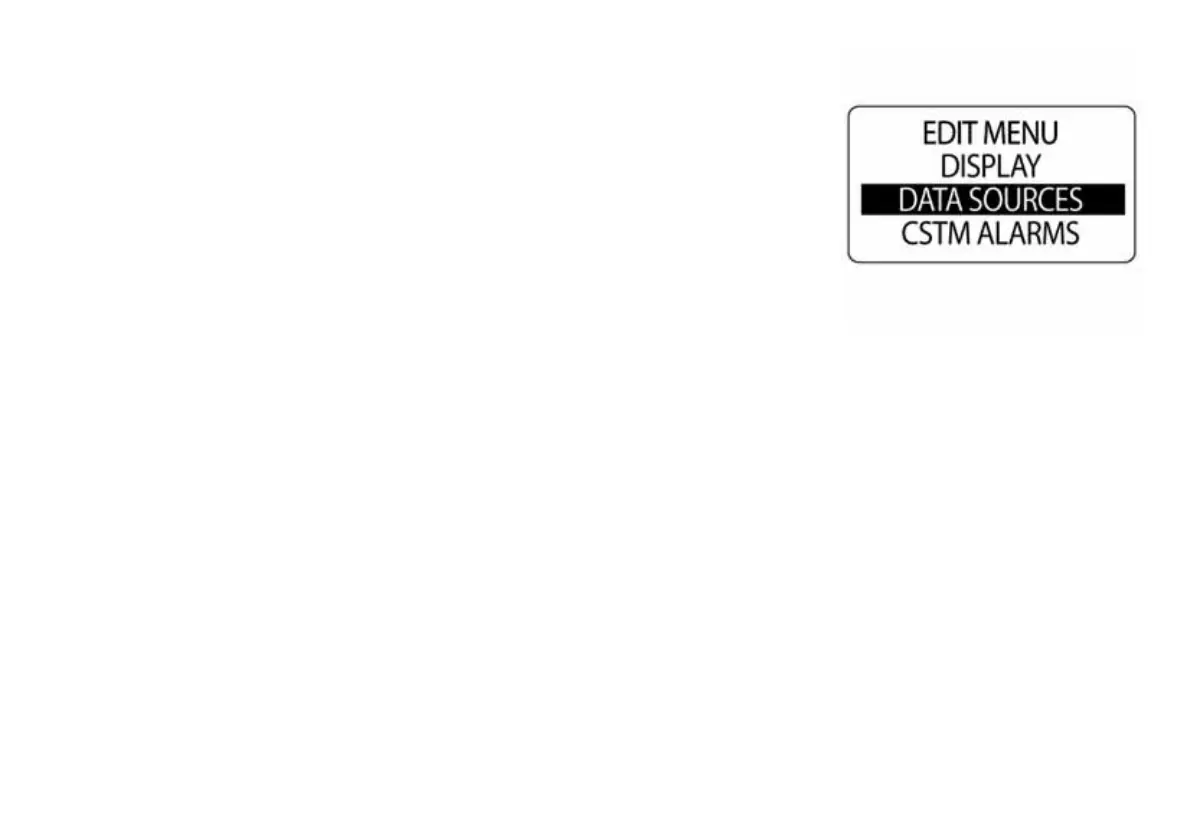
Use the DATA SOURCES menu to set the engine instance and set or
reset the maintenance interval for the engine. Use the data sources menu
to set instance ID for 2 inch ICON Battery and Oil Level gauges. The ICON
tachometer is capable of using up to five analog senders for Fuel, Trim,
Ballast, Bait Well, Rudder, Fresh Water, Gray Water or Black Water. Refer
to the current ICON Gauge Installation Guide for installation instructions.
To enter the data sources menu:
1.) Press the MODE button once.
2.) Use the UP or DOWN buttons to select EDIT MENU.
3.) Press and hold the MODE button to enter the selection.
4.) Use the UP or DOWN buttons to select DATA SOURCES.
5.) Press and hold the MODE button to enter the selection.
010081



 To Next Page