80
Engine
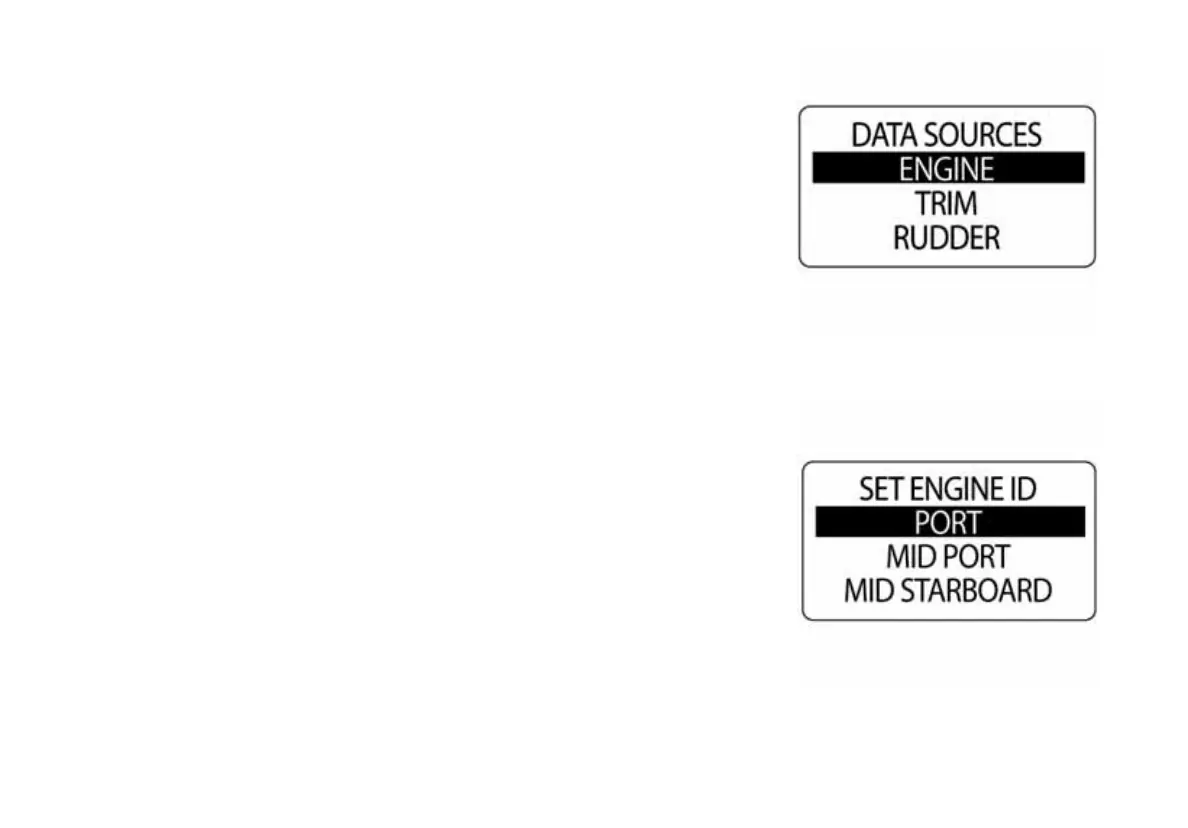
The ENGINE data source was set during system setup. To change the
ENGINE ID enter the DATA SRCS menu, then:
1.) Use the UP or DOWN buttons to select ENGINE.
2.) Press and hold the MODE button to enter the selection.
3.) Use the UP or DOWN buttons to select ENGINE ID.
4.) Press and hold the MODE button to enter the selection.
5.) Use the UP or DOWN buttons to select the new ENGINE ID.
6.) Press and hold the MODE button to save the new ENGINE ID.
NOTE: If there is only one engine, the engine ID is SINGLE.
010086
010087



 To Next Page