94
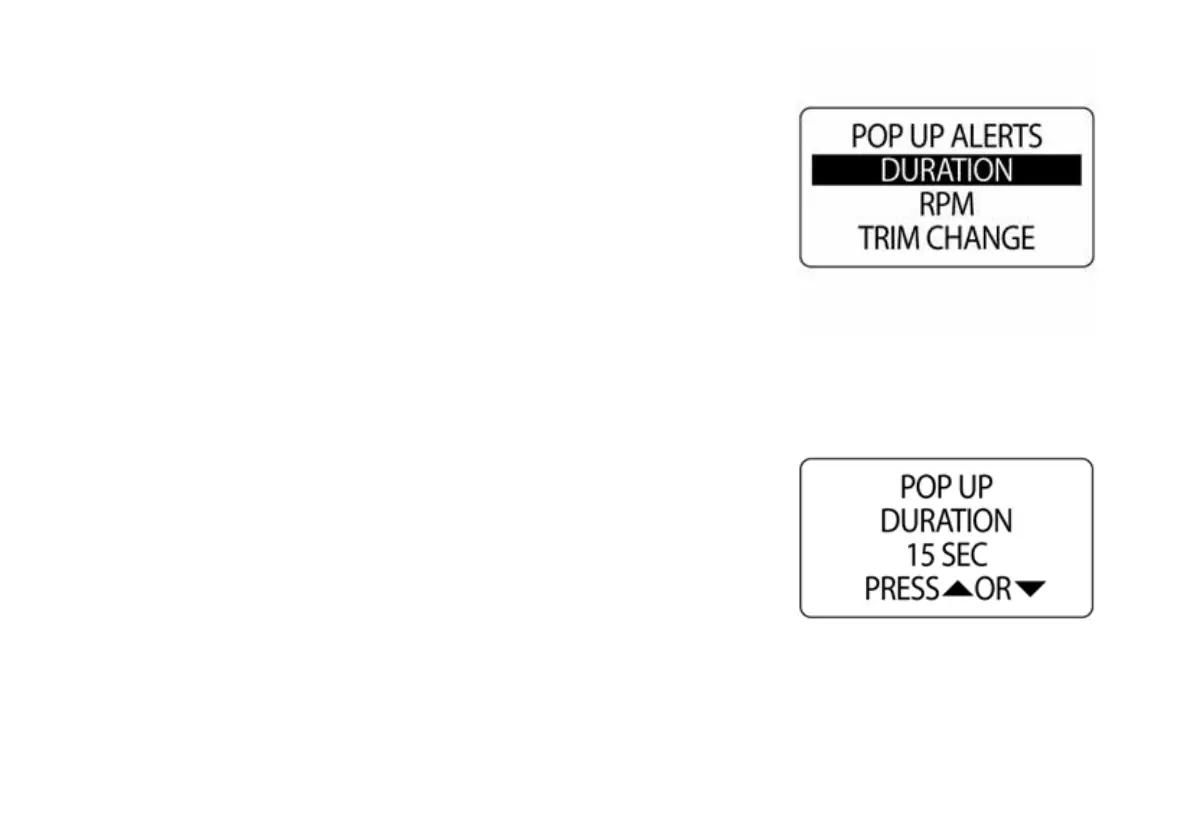
Pop Up Duration
Set the pop up DURATION to define the amount of time a pop up screen
remains visible before returning to the current data page. To set the pop up
duration enter the POP UPS menu, then:
1.) Use the UP or DOWN buttons to select DURATION.
2.) Press and hold the MODE button to enter the selection.
3.) Press the UP button to increase or the press the DOWN button to
decrease the pop up duration.
4.) Press and hold the MODE button to save the setting.
010111
010112



 To Next Page