12
Default Display Units
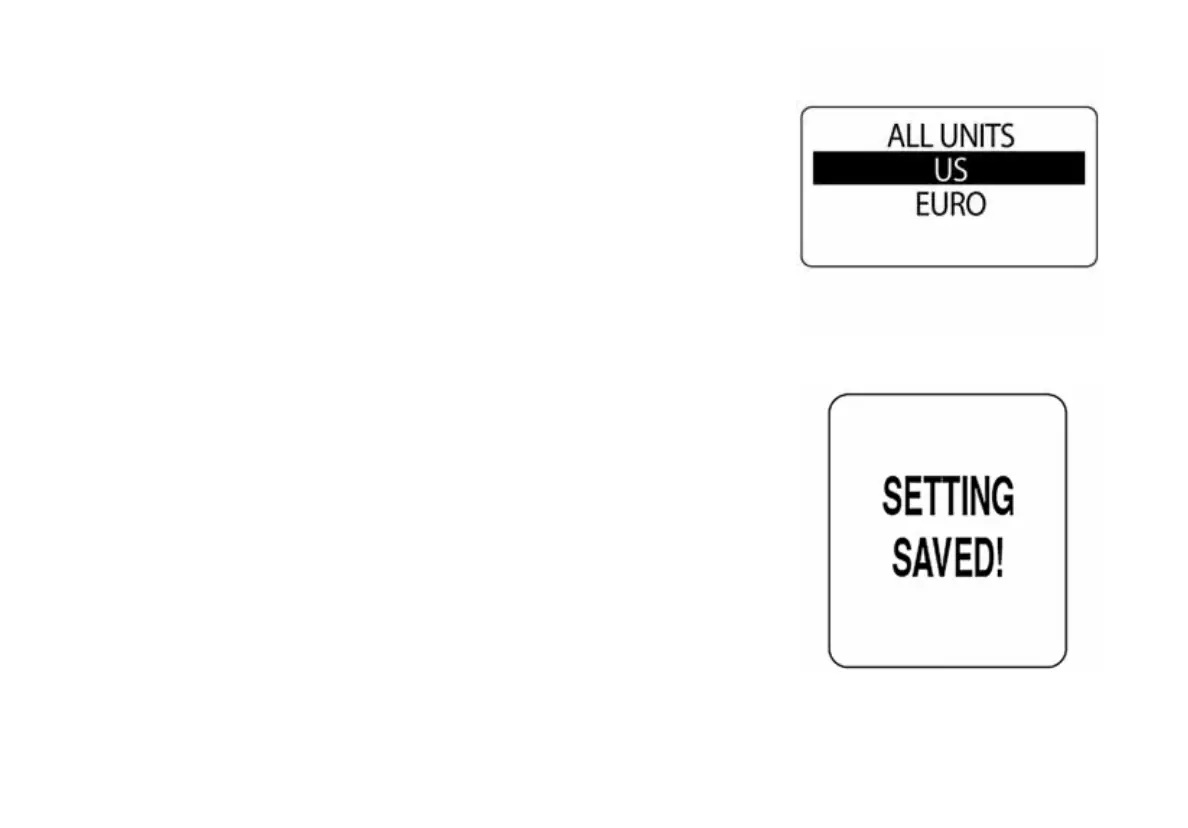
The default display units sets the units for all data fields in the instrument
package. Use DISPLAY SETTINGS to adjust individual data field units.
1.) Use the UP or DOWN buttons to select the desired display units.
Available display units are: US (SAE) and EURO (metric).
2.) Press and hold the MODE button to save the desired display units.
The LCD screen will display SETTING SAVED! and the horn will sound
an audible beep.
009971
009970



 To Next Page