48
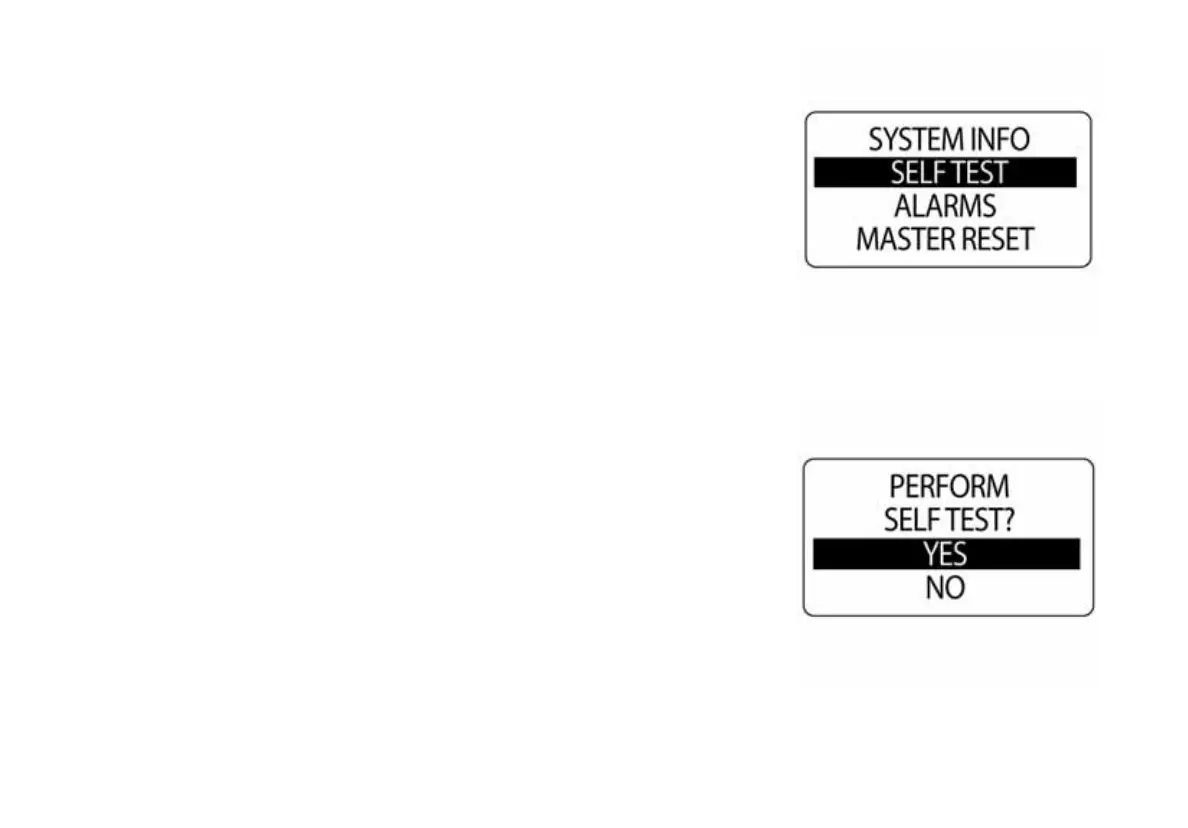
Self Test
Use the SELF-TEST feature to test the ICON gauge package is communi-
cating with the Tachometer. To perform a self-test, enter the SYSTEM
menu, then:
1.) Use the UP or DOWN buttons to select SELF-TEST.
2.) Press and hold the MODE button to enter the SELF-TEST.
3.) Use the UP or DOWN buttons to select YES.
4.) Press and hold the MODE button to begin the SELF-TEST.
During the SELF-TEST:
•The tachometer will run through a series of scripted self-test programs
designed to test the operation of the tachometer.
•The pointer will move through a series of angles and the buzzer will
beep.
•When finished, the tachometer LCD will display APP SELF TEST
COMPLETE.
•Once complete, the display will return to normal operation.
010034
010035



 To Next Page