89
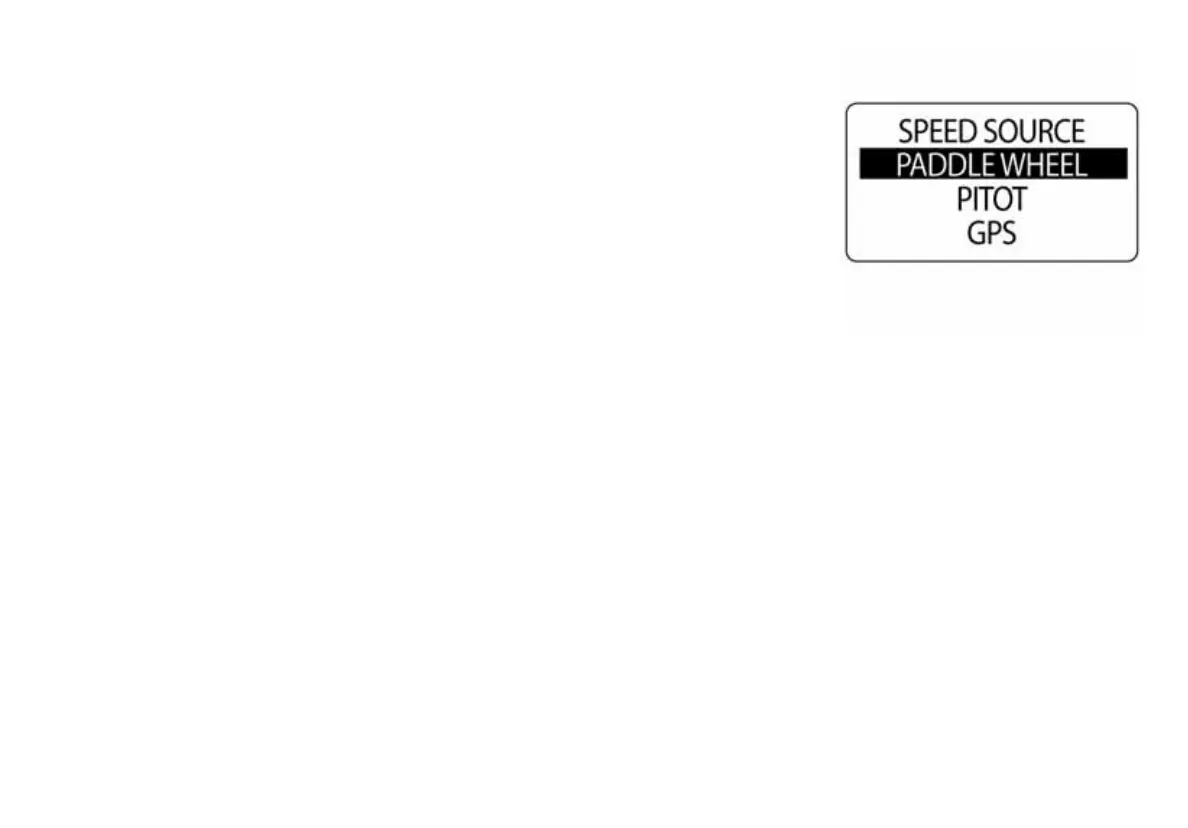
Speed
Use the Battery data source to determine the number of batteries that are
installed in the system. By default, the battery instance matches the
engine ID. The number of batteries is set to the number of engines
selected during system setup. To change battery settings, enter the DATA
SOURCES menu then:
1.) Use the UP or DOWN buttons to select BATTERY.
2.) Press and hold the MODE button to enter the selection.
3.) Use the UP or DOWN buttons to select the number of batteries.
4.) Press and hold the MODE button to save the selection.
5.) The LCD screen will display SETTING SAVED! and the gauge will
issue an audible beep.
010101



 To Next Page