76
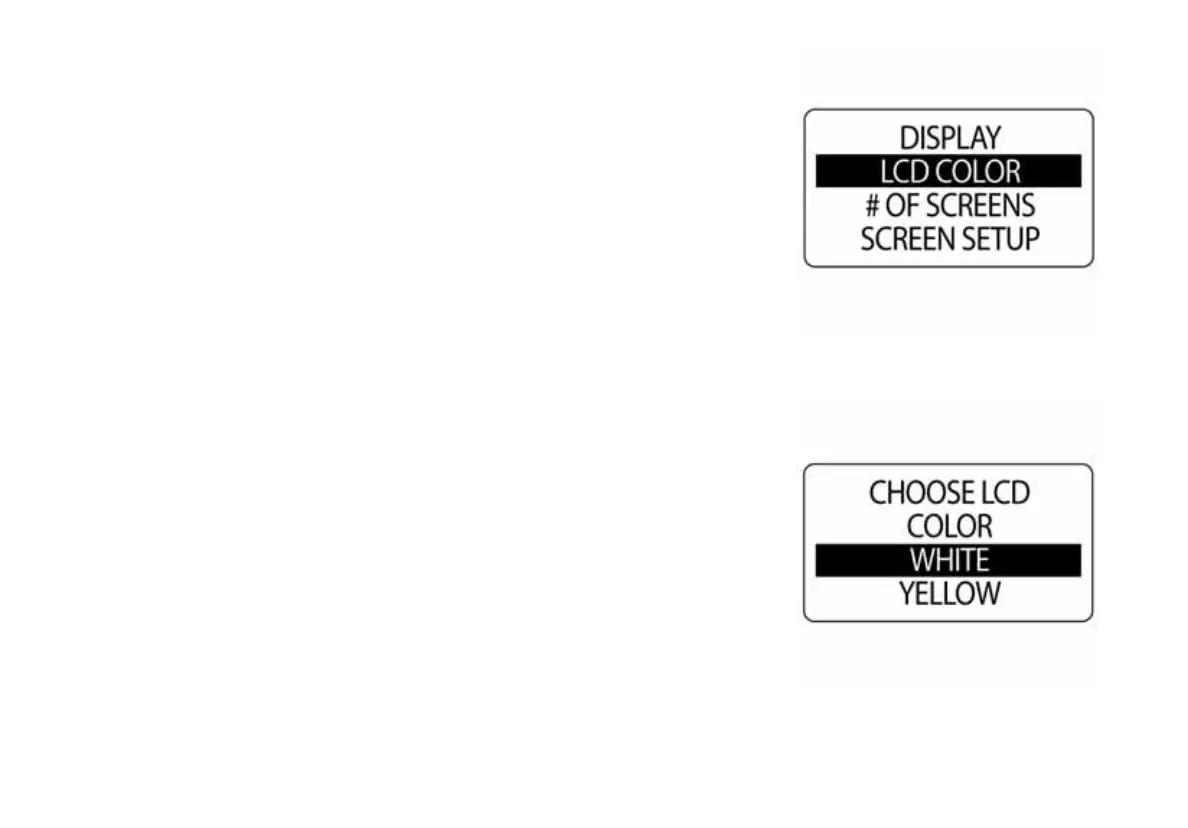
LCD Color
The ICON gauge package has the ability to change the color of the LCD
back light. To change the color of the LCD back lighting, enter the DIS-
PLAY menu then:
1.) Use the UP and DOWN buttons to select the LCD COLOR.
2.) Press and hold the MODE button to enter the selection.
3.) Use the UP or DOWN buttons to select the desired colors.
4.) Press and hold the MODE buttons to save the selection.
NOTE: The color choices for the ICON gauge package are WHITE, YEL-
LOW, GREEN YELLOW, GREEN, DARK SEA GREEN, CYAN, BLUE,
PURPLE, PINK, GOLDENROD and TAN.
010079
010080



 To Next Page