88
Air Temp
Use the Air Temp data source to determine the source of the air tempera-
ture used in the system. To change the air temperature data source, enter
the DATA SOURCES menu then:
1.) Use the UP or DOWN buttons to select AIR TEMP
2.) Press and hold the MODE button to enter the selection
3.) Use the UP or DOWN buttons to select the AIR TEMP sender type
which is used in the system
4.) Press and hold the MODE button to enter the selection.
5.) The LCD screen will display SETTING SAVED! and the gauge will
issue an audible beep.
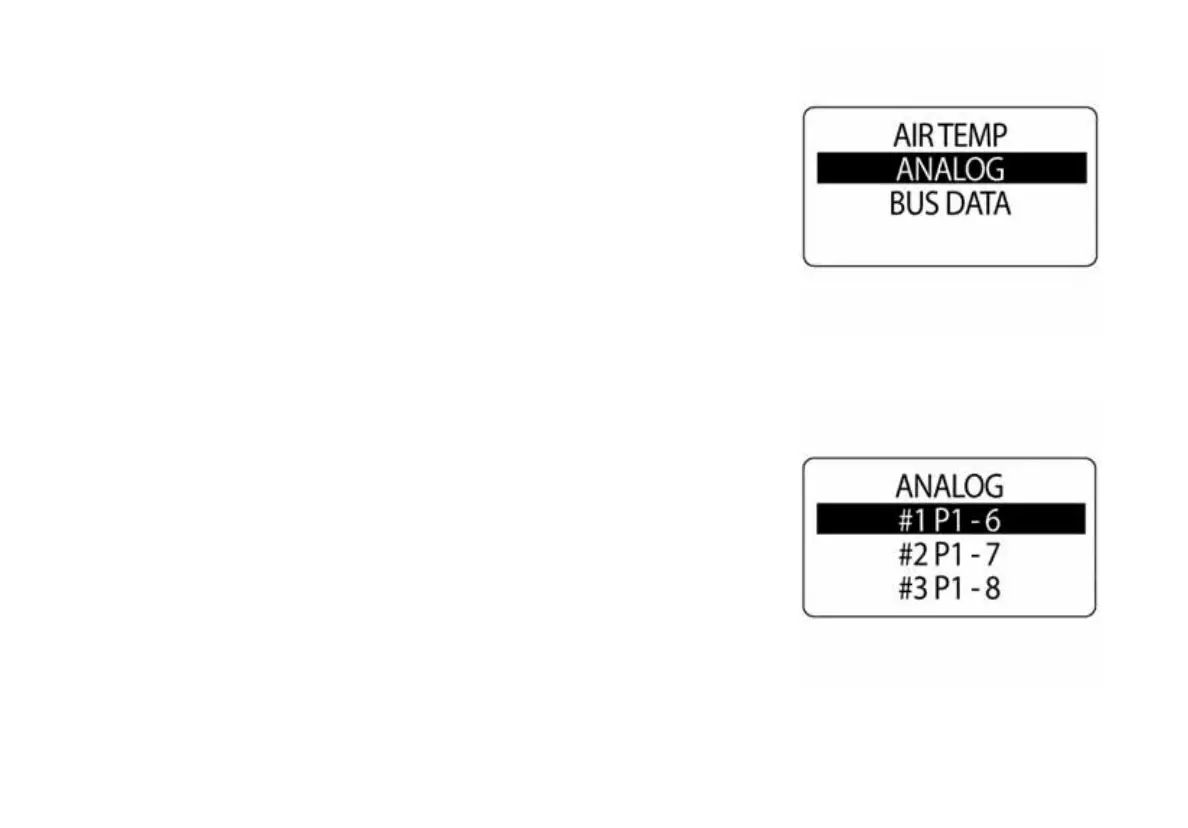
NOTE: If an analog source is chosen, select the proper pin that the analog
signal is attached to in the tachometer.
010100
010099



 To Next Page