39
Audio Settings
Use the AUDIO menu to turn the horn ON or OFF for warnings, saving set-
tings, pressing buttons, or gear position changes.
IMPORTANT: The audio setting ALL, should NOT be used to turn OFF
warnings.
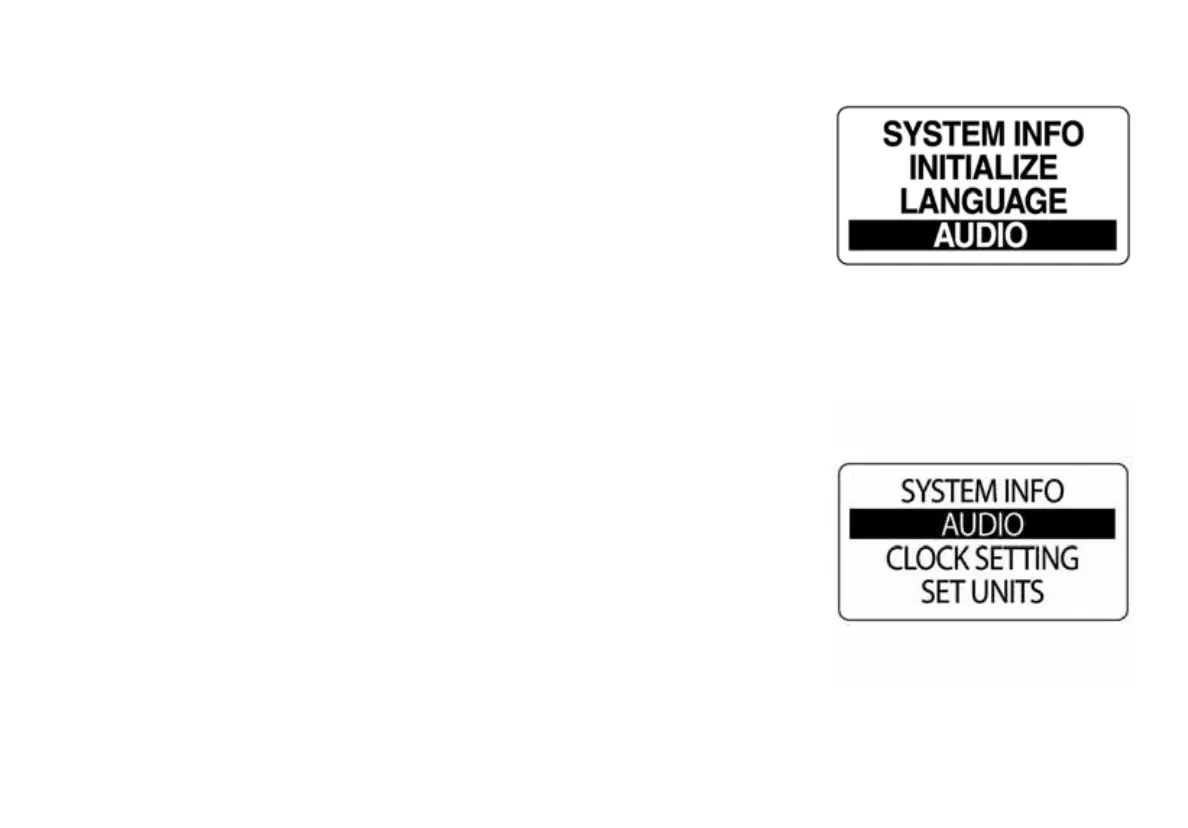
To enter the AUDIO menu:
1.) Press the MODE button once.
2.) Use the UP or DOWN buttons to select EDIT MENU options.
3.) Press and hold the MODE button to enter
Edit Menu options.
4.) Use the UP or DOWN buttons to select SYSTEM.
5.) Press and hold the MODE button to enter SYSTEM menu options.
6.) Use the UP or DOWN buttons to select AUDIO.
7.) Press and hold the MODE button to enter the AUDIO menu.
010021
010022



 To Next Page