26
Adding Fuel to the Fuel Tank
1.) Press and hold the MODE button to enter the Menu Options menu.
2.) Use the UP and DOWN buttons to select FUEL LEVEL.
3.) Press and hold the MODE button to make the selection.
4.) Use the UP and DOWN buttons to select the proper tank in which to
add fuel.
5.) Press and hold the MODE button to make the selection.
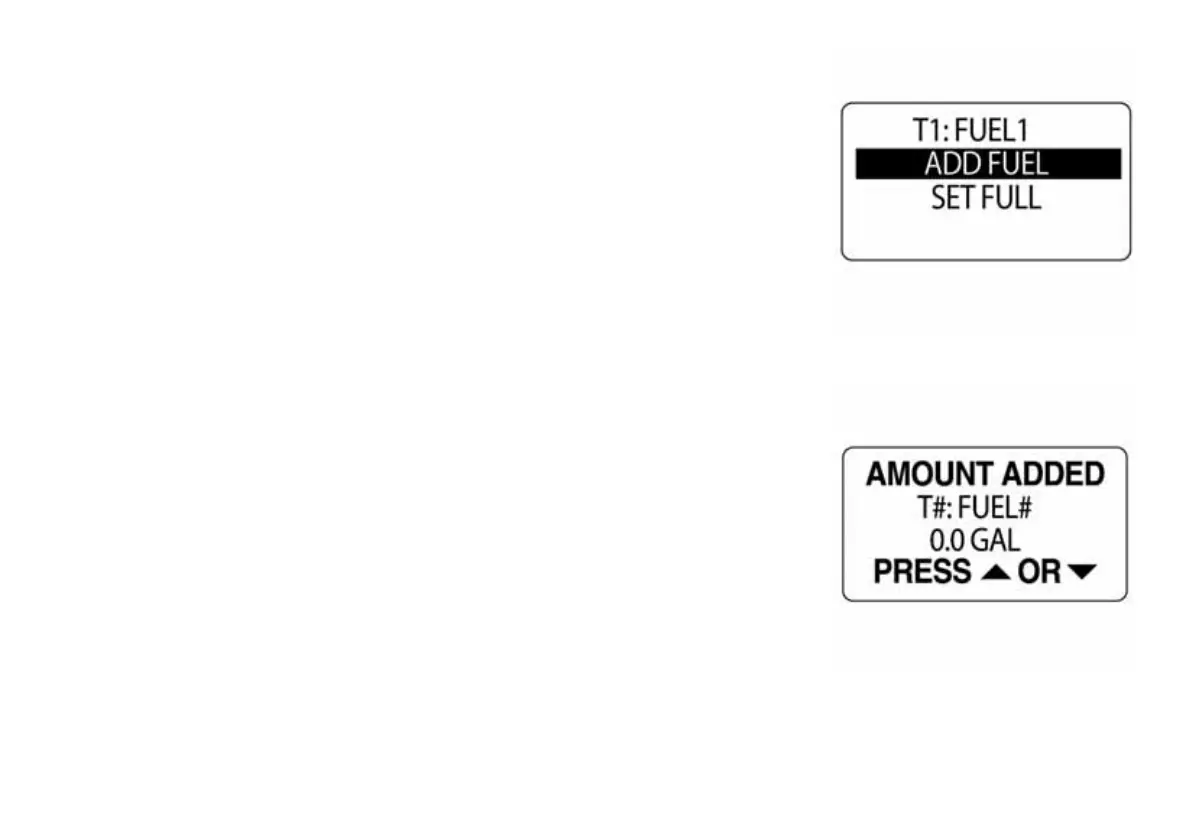
6.) Use the UP and DOWN buttons to select ADD FUEL.
7.) Press and hold the MODE button to enter the TANK # ADD menu.
8.) Use the UP or DOWN buttons to set the volume of fuel that had been
added to the fuel tank.
9.) Press and hold the MODE button to save the setting.
10.) The LCD will display SETTING SAVED! and the gauge will issue an
audible beep.
NOTE: Holding the UP or DOWN buttons will increase or decrease the
amount in a more rapid fashion.
010001
010002



 To Next Page