27
Trip Data
The Trip Data feature records engine hours, fuel used, odometer and fuel rate for two trips and the season.
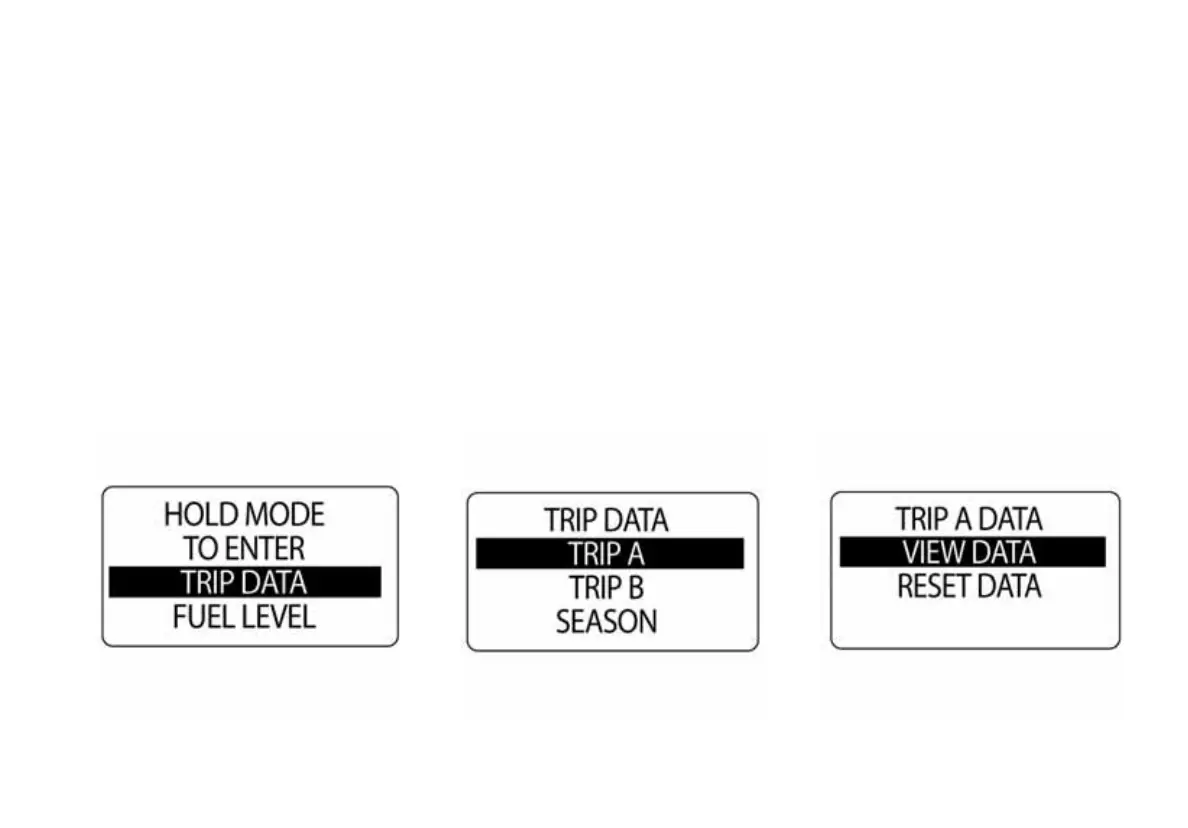
To view the Trip Data, enter the Menu Options menu then:
1.) Press and hold the MODE button to enter the Menu Options menu.
2.) Use the UP and DOWN buttons to select TRIP DATA.
3.) Press and hold the MODE button to make a selection.
4.) Follow the steps in the next section for viewing and resetting trip data.



 To Next Page