38
System Language
To select or change the system language, enter the SYSTEM menu then:
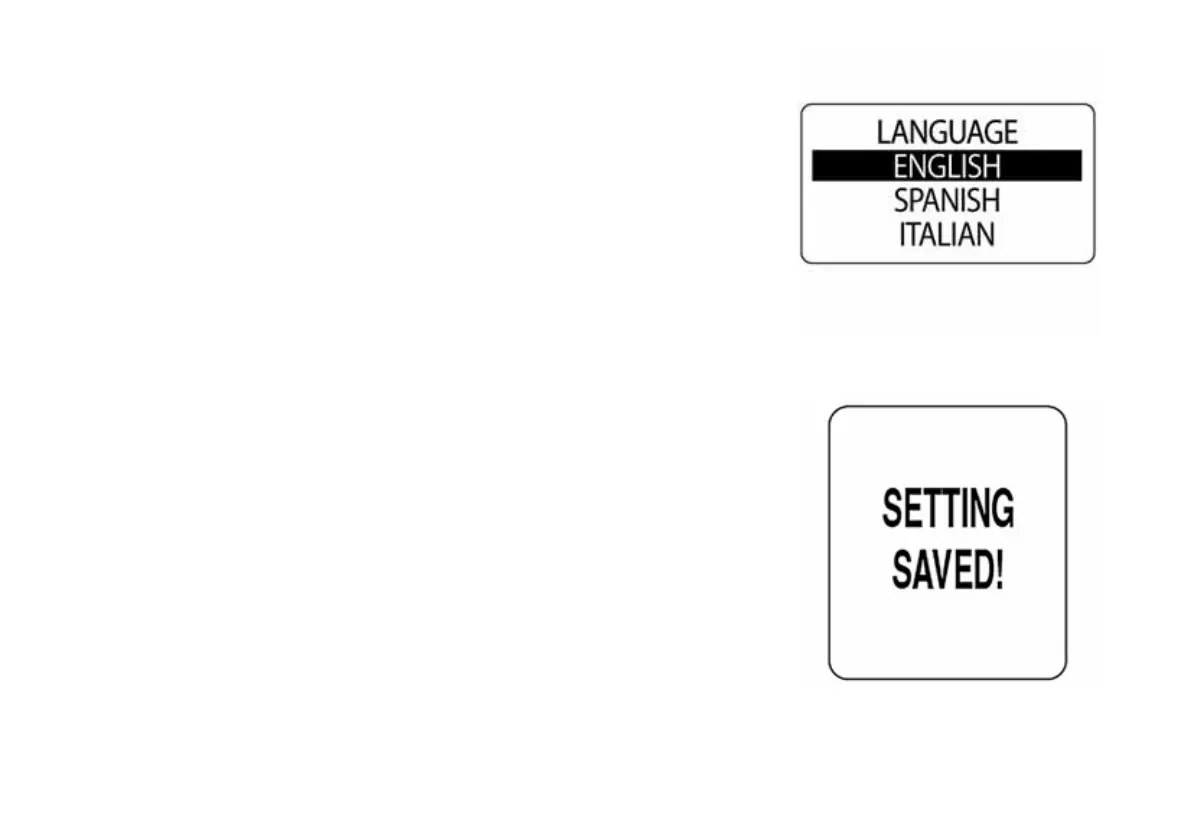
1.) Use the UP or DOWN button to select LANGUAGE.
2.) Press and hold the MODE button to make the selection.
3.) Use the UP or DOWN buttons to select the desired language to be
used.
4.) Press and hold the MODE button to save the language selection.
5.) The LCD screen will display SETTING SAVED! and the gauge will
issue an audible beep.
NOTE: The available languages are English, Spanish, French, Italian and
German.
010020
009970



 To Next Page