93
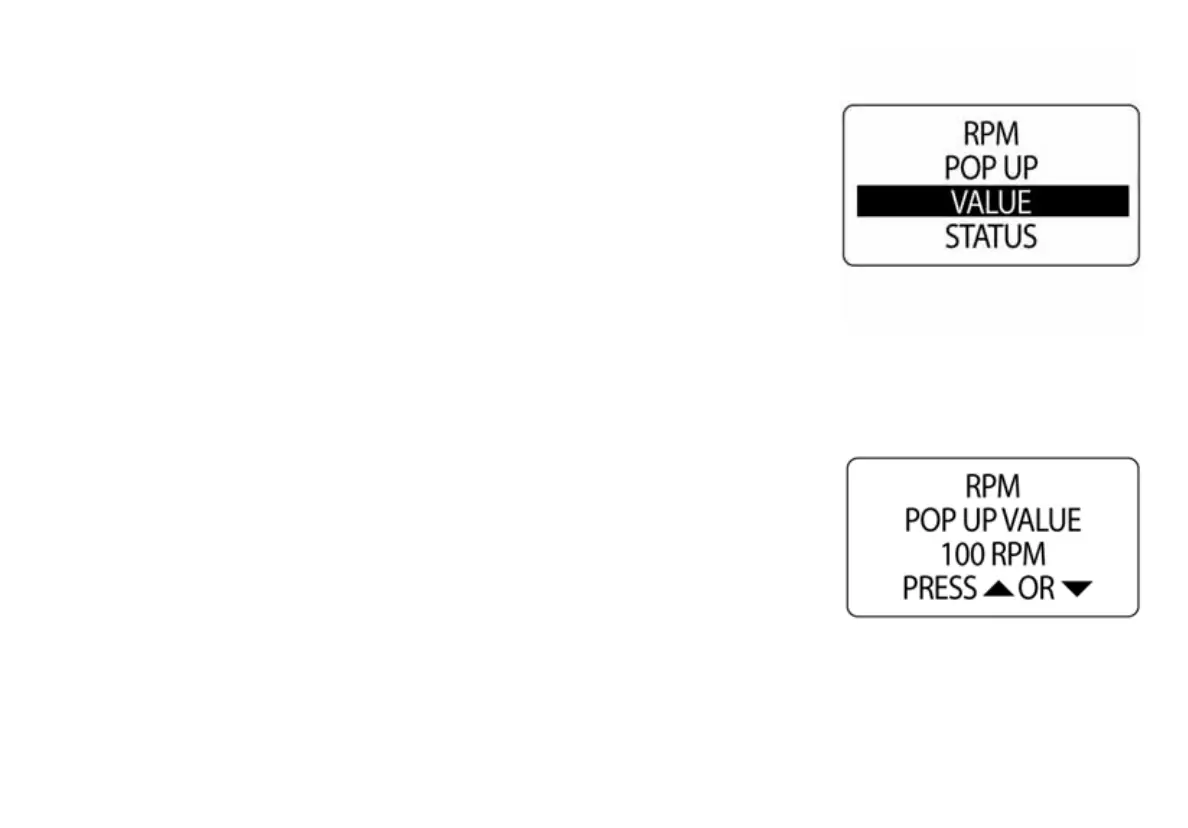
To Set the Pop Up Threshold Value:
The POP UP threshold value is the value that will trigger a POP UP alert to
activate.
1.) Use the UP or DOWN buttons to select VALUE.
2.) Press and hold the MODE button to enter the selection.
3.) Use the UP or DOWN buttons to set the desired value to activate the
pop-up.
4.) Press and hold the MODE button to save the setting.
5.) The LCD screen will display SETTING SAVED!
010109
010110



 To Next Page