119
Screen Setup
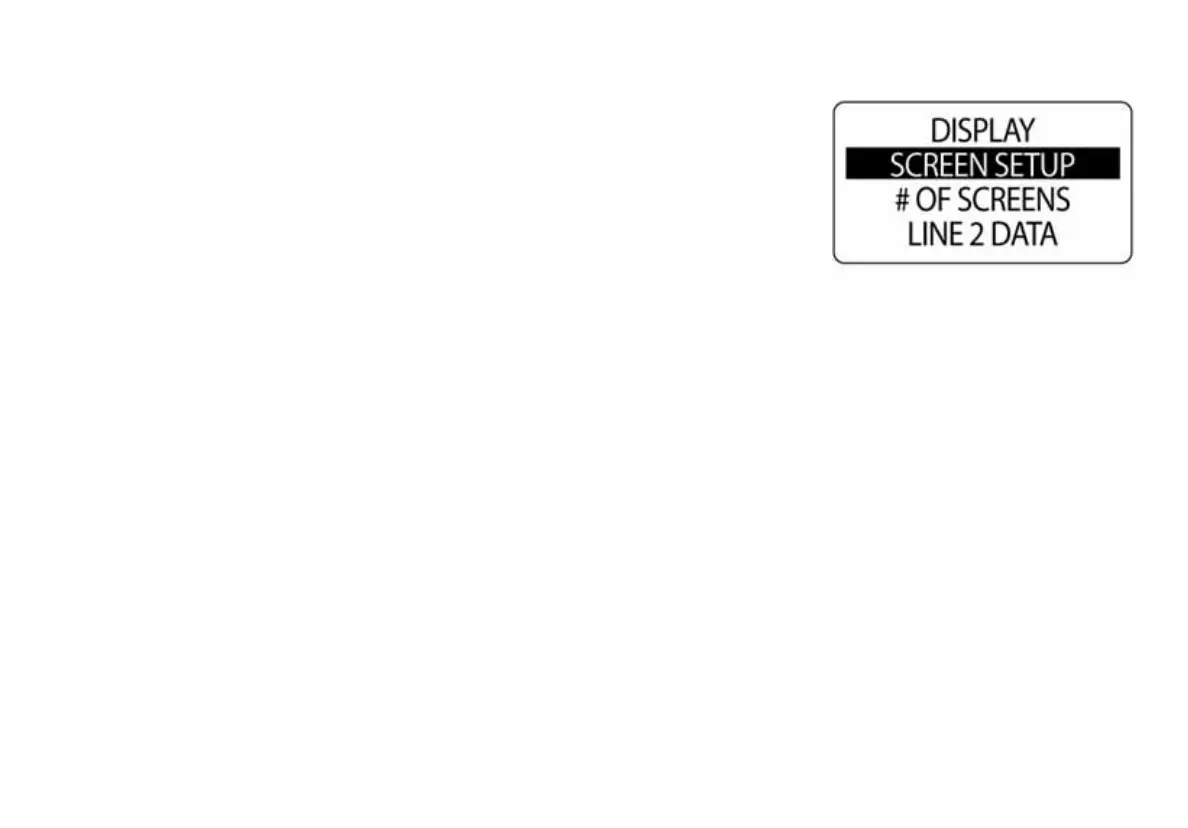
Use Screen Setup to select the data fields to be displayed. To edit the data
fields displayed, enter the DISPLAY menu, then:
1.) Use the UP or DOWN buttons to select SCREENSETUP.
2.) Press and hold the MODE button to enter the selection.
3.) Use the UP or DOWN buttons to select the page number to edit the
data fields.
4.) Press and hold the MODE button to enter the page to edit.
010146



 To Next Page