117
DISPLAY
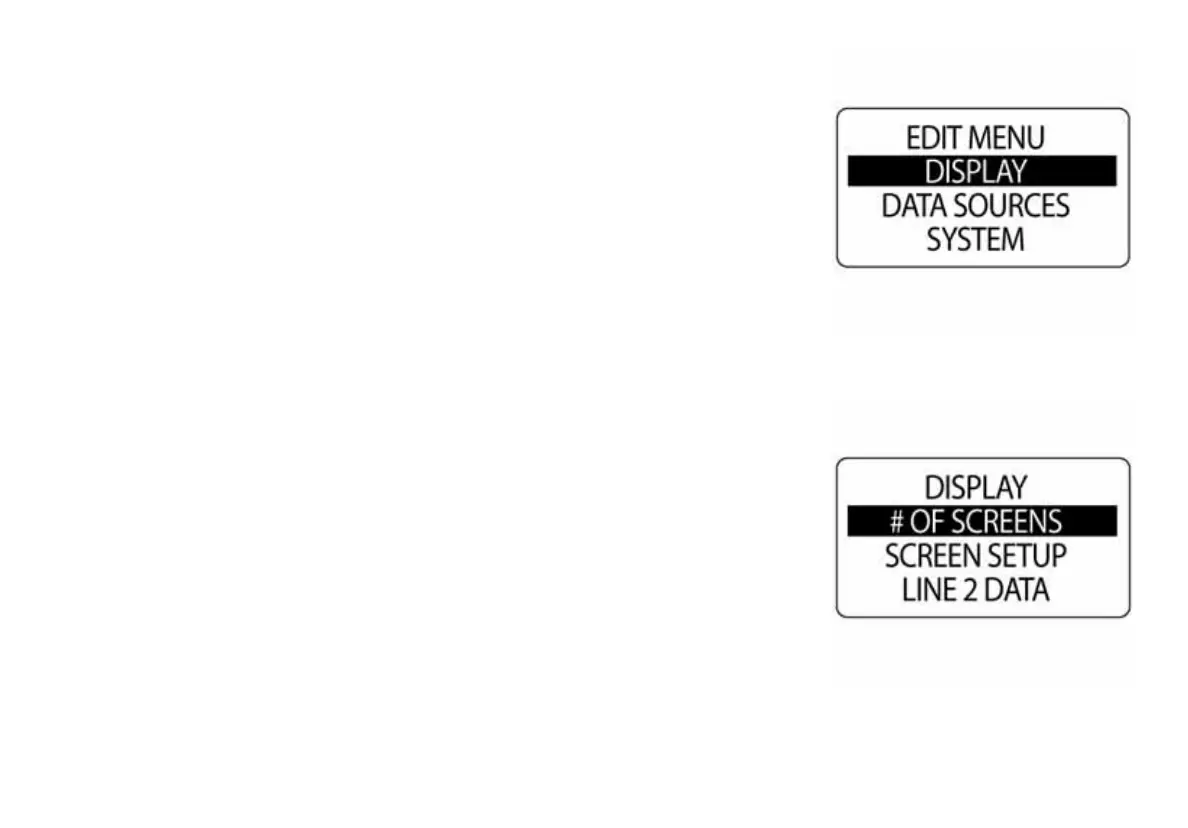
Use the DISPLAY menu to control the appearance and functionality of
data pages. Also use the display menu to set the number of data pages,
edit data fields, select the default data page, and turn optional features ON
or OFF. To change the display settings:
1.) Press the MODE button once.
2.) Use the UP or DOWN buttons to select DISPLAY.
3.) Press and hold the MODE button to enter the selection.
4.) Use the UP or DOWN buttons to select DISPLAY.
5.) Press and hold the MODE button to enter the selection.
010143
010144



 To Next Page