43
Clock Settings
The CLOCK data field is available if a GPS is connected to the system.
Select the current time zone offset for the clock to show the correct local
time. Clock data can be displayed in 12 or 24 hour format. To set the clock,
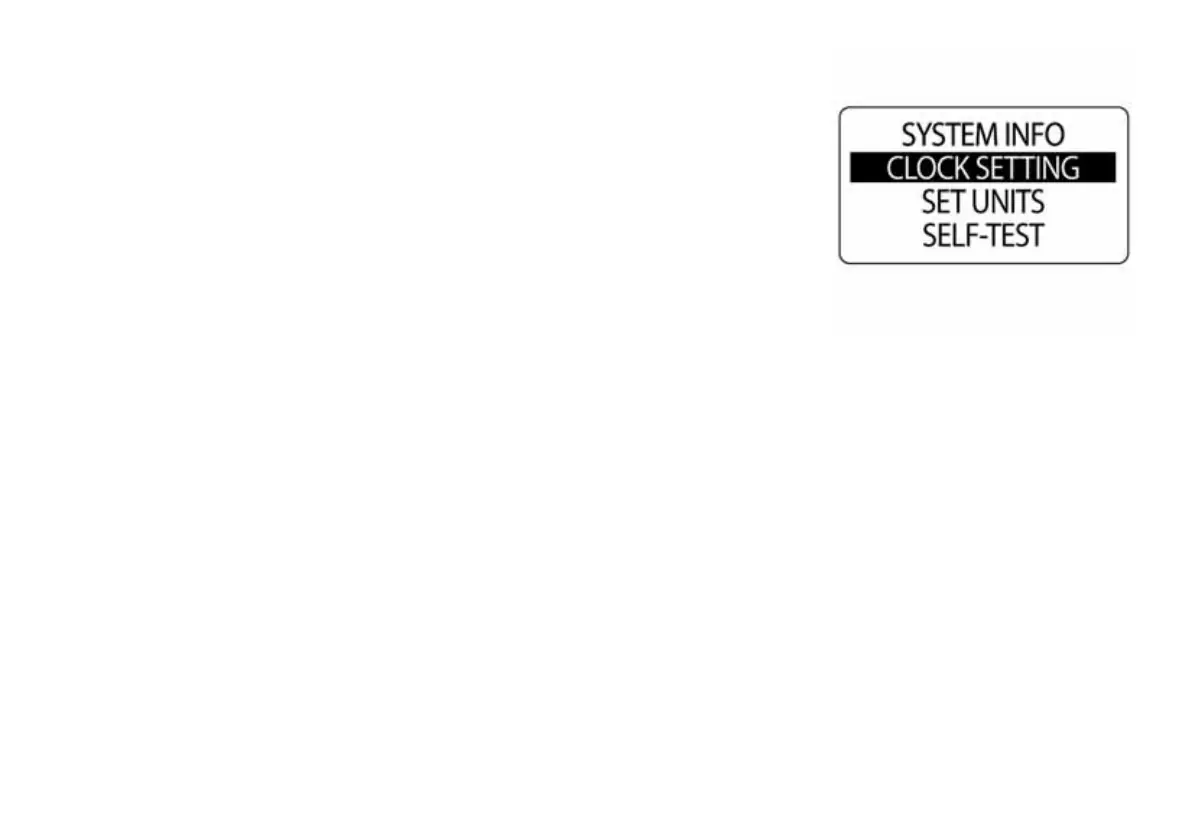
enter the SYSTEM menu, then:
1.) Use the UP or DOWN buttons to select CLOCK SETTING.
2.) Press and hold the MODE button to enter the selection.
010028



 To Next Page