42
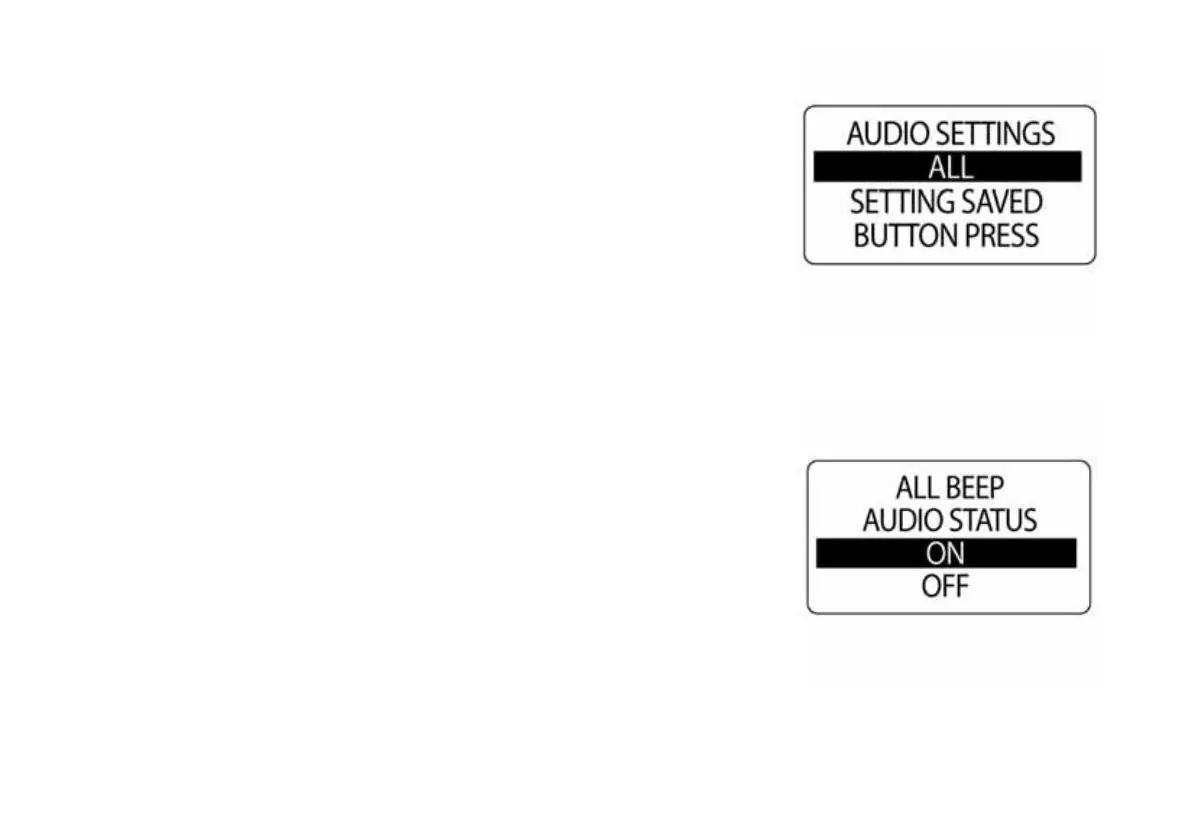
All Sounds
Use ALL to turn the horn ON or OFF for all audio menu options. To change
the setting enter the AUDIO menu, then:
1.) Use the UP or DOWN buttons to select ALL.
2.) Press and hold the MODE button to enter ALL.
3.) Use the UP or DOWN buttons to select ON or OFF.
4.) Press and hold the MODE button to save the setting. The LCD
screen will display SETTING SAVED!
IMPORTANT: If this option is selected, be sure to turn ON the WARN
BEEP.
010026
010027



 To Next Page