101
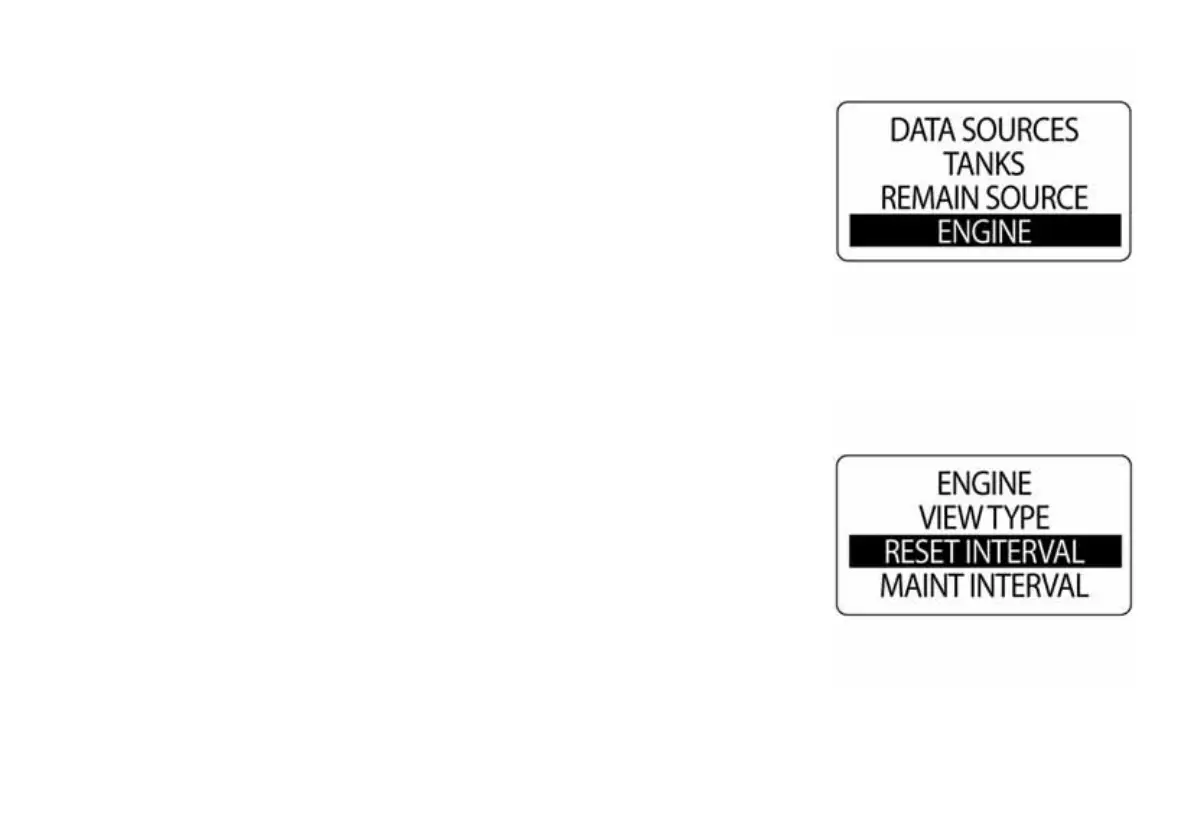
Engine
The Engine menu is where the engine type can be viewed, the intervals
can be reset and the maintenance intervals can be reset.
To make changes to the ENIGNE menu, enter the DATA SOURCES
menu then:
1.) Use the UP or DOWN buttons to choose VIEW TYPE, RESET
INTERVAL, MAINTENANACE INTERVALS and ENGINE ID
•VIEW TYPE - Choose from g1 or G2.
•RESET INTERVAL - Reset selected intervals.
•MAINT INTERVALS - Change the set maintenance intervals.
•ENGINE ID - Choose from Single or Twin.
2.) Press and hold the MODE button to enter the selection.
3.) Use the UP and DOWN buttons to make changes to the specified
selection.
010123
010124



 To Next Page