10
Engine Initialization
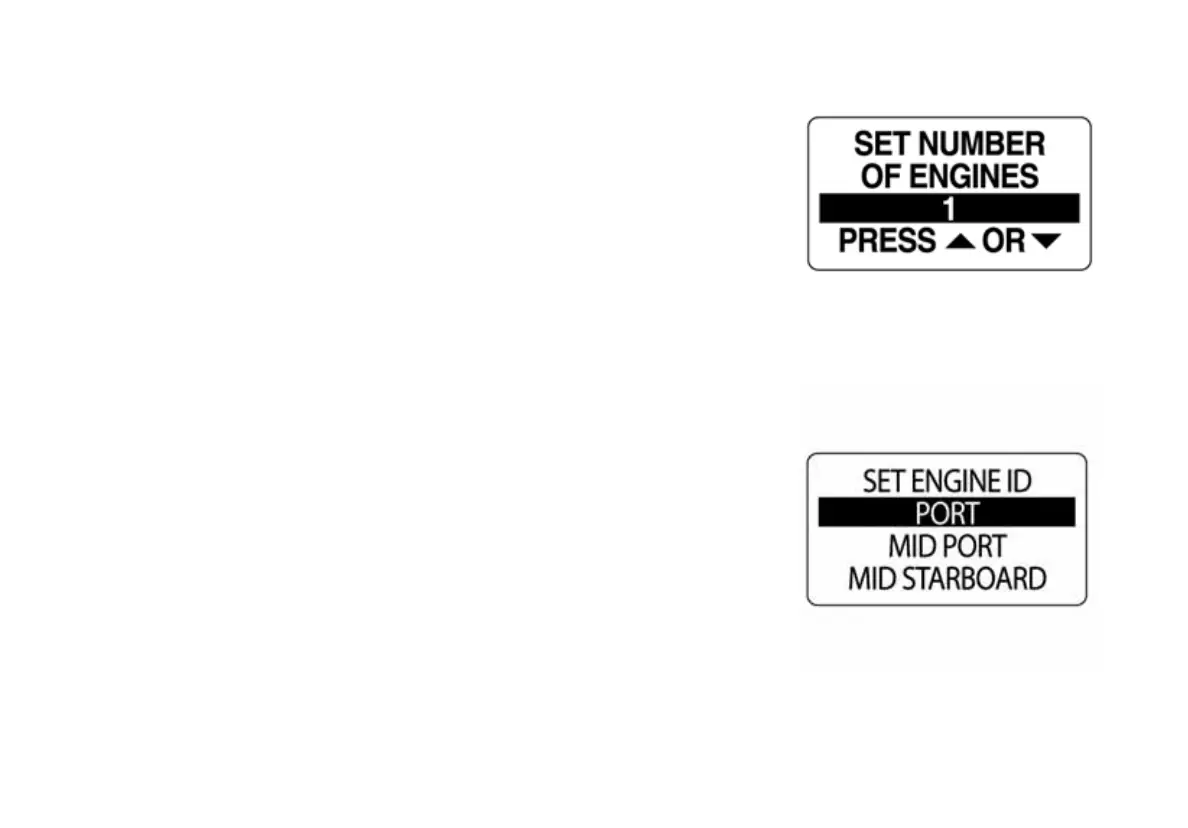
1.) Use the UP or DOWN buttons to select the number of engines
installed on the boat. ICON gauges support up to five engines.
2.) Press and hold the MODE button to save the number of engines. The
LCD screen will display SETTING SAVED! and the horn will sound an
audible beep.
Complete steps 3 and 4 if two or more engines are selected.
3.) Use the UP or DOWN buttons to select the engine identifier. The
engine identifier assigns each ICON tachometer to monitor a specific
engine.
4.) Press and hold the MODE button to save the setting. The LCD
screen will display SETTING SAVED! and the horn will sound an audible
beep.
009967
009968



 To Next Page