87
Water Temperature
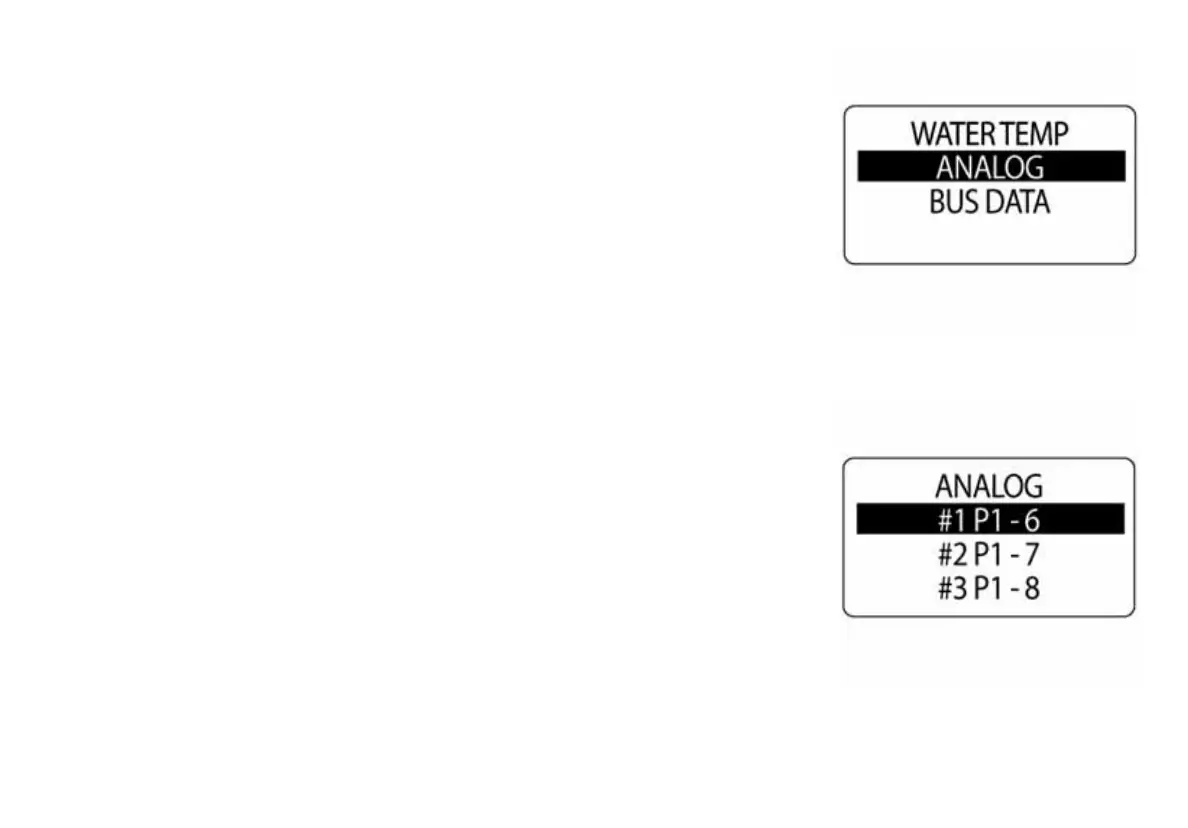
Use the Water Temp Data Source to determine the source of the Water
temperature used in the system. To change the water temperature send
data source, enter the DATA SOURCES menu then:
1.) Use the UP or DOWN buttons to select WATER TEMP
2.) Press and hold the MODE button to enter the selection.
3.) Use the UP or DOWN buttons to select the WATER TEMP sender
type used in the system.
4.) Press and hold the MODE button to enter the selection.
010098
010099



 To Next Page