69
Display Settings
The Display Settings control the data page’s appearance and functionality. Use the display settings to set
the number of data pages shown, edit the fields that are shown on each page, select the default data page,
turn ON or OFF the auto scrolling feature and to set the display units.
To change the display setting:
1.) Press the MODE button once.
2.) Use the UP or DOWN buttons to select the EDIT MENU.
3.) Press and hold the MODE button to enter the selection.
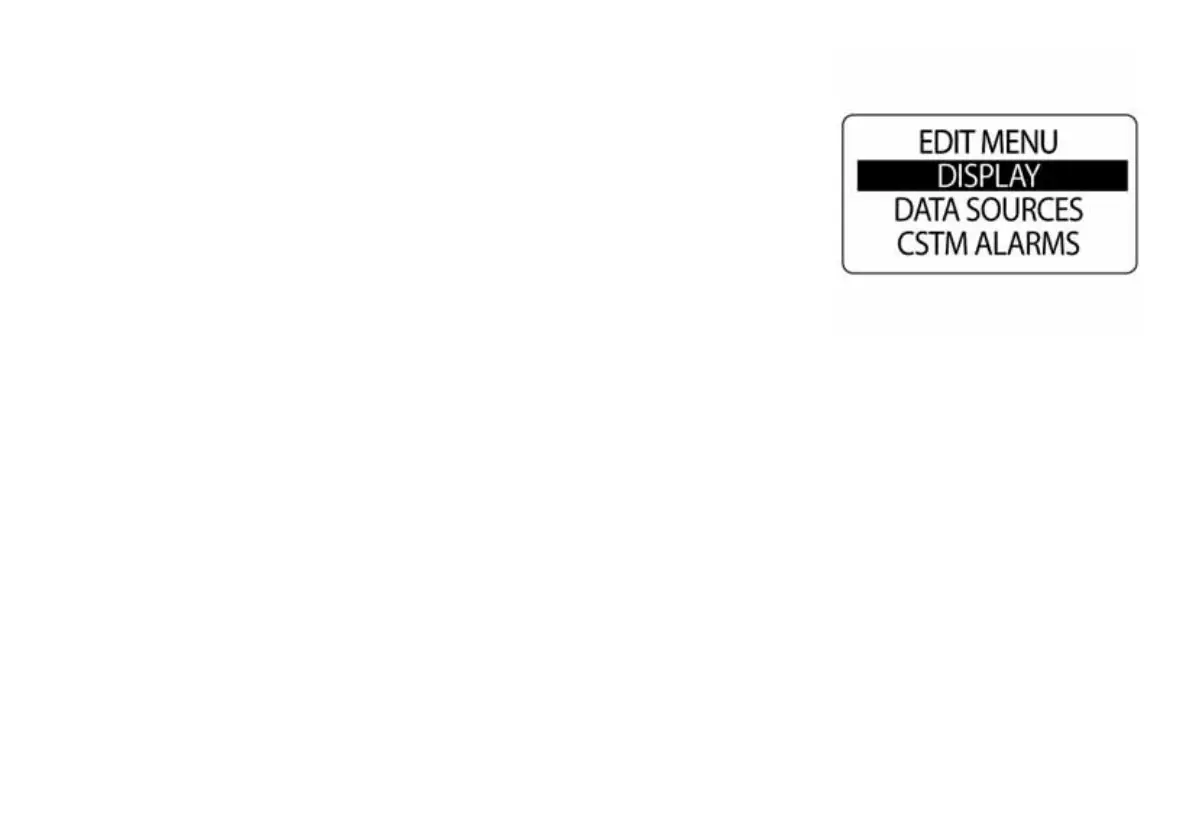
4.) Use the UP and DOWN buttons to select DISPLAY.
5.) Press and hold the MODE button to enter the selection.
010066



 To Next Page